
Report
The report screen runs a designed report for the date range you choose and puts the result in front of you. Designing a report belongs to the development side; this is where you run one.
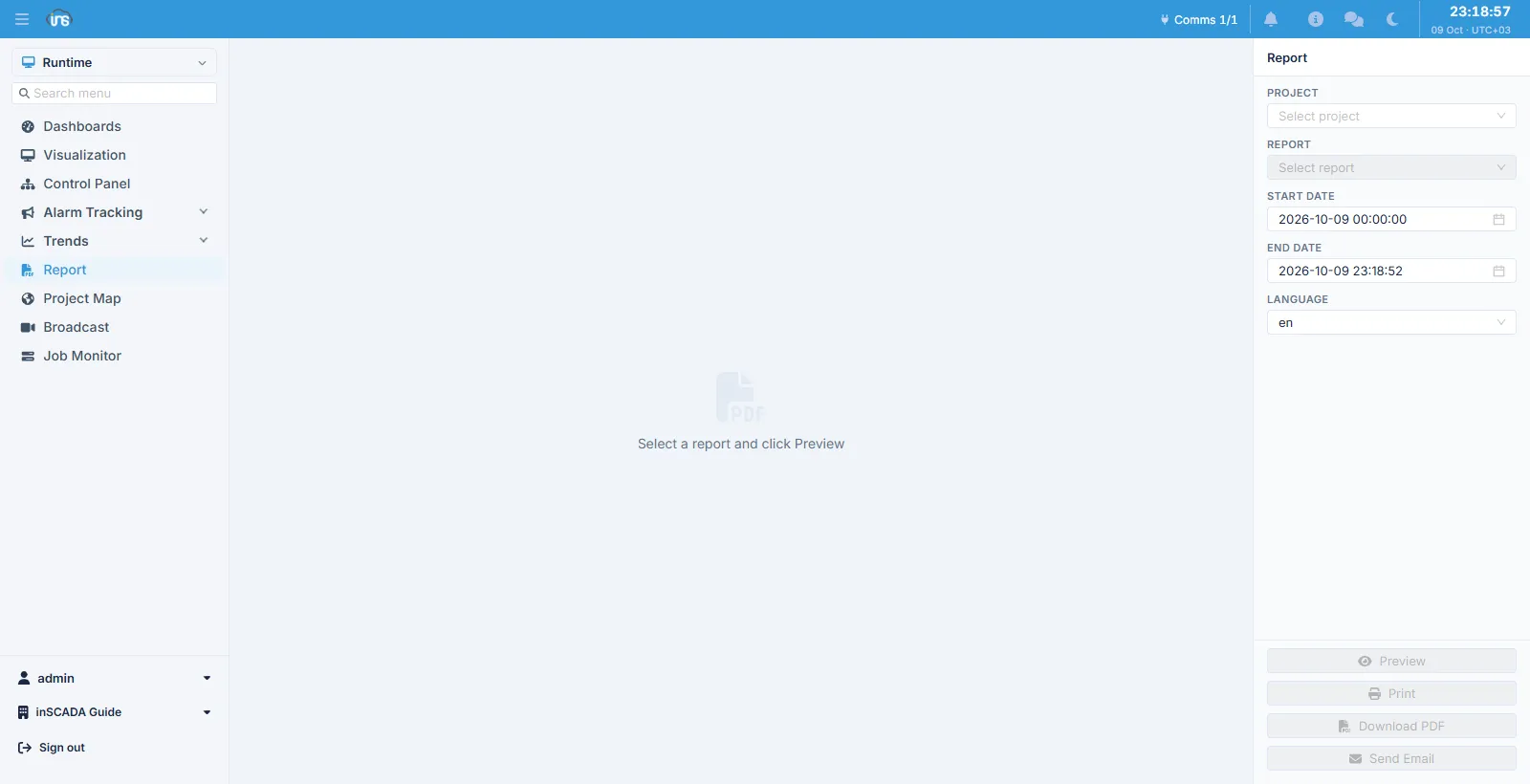
Parameters
Section titled “Parameters”| Field | Description |
|---|---|
| Project | The project the report belongs to |
| Report | The report to run |
| Start Date / End Date | The range the report covers |
| Language | The language the report is produced in |
The report list does not fill until a project is chosen. The date range defaults to today.
Four actions
Section titled “Four actions”| Button | What it does |
|---|---|
| Preview | Produces the report and shows it on screen |
| Opens the print dialog | |
| Download PDF | Downloads it as a PDF |
| Send Email | Sends the report by e-mail |
The buttons stay disabled until a report is selected.
Sending by e-mail uses the space’s email settings, and the message lands in the outbox.
Related
Section titled “Related”- Pivot Report — defining a report
- HTML Reports — html-based reports
- Job Monitor — scheduled report jobs