
Keywords
A keyword is a preset — a screen’s parameters saved under a name. Rather than choosing a date range, an interval and a calculation type every time, an operator picks the preset from a list and the screen sets itself up accordingly.
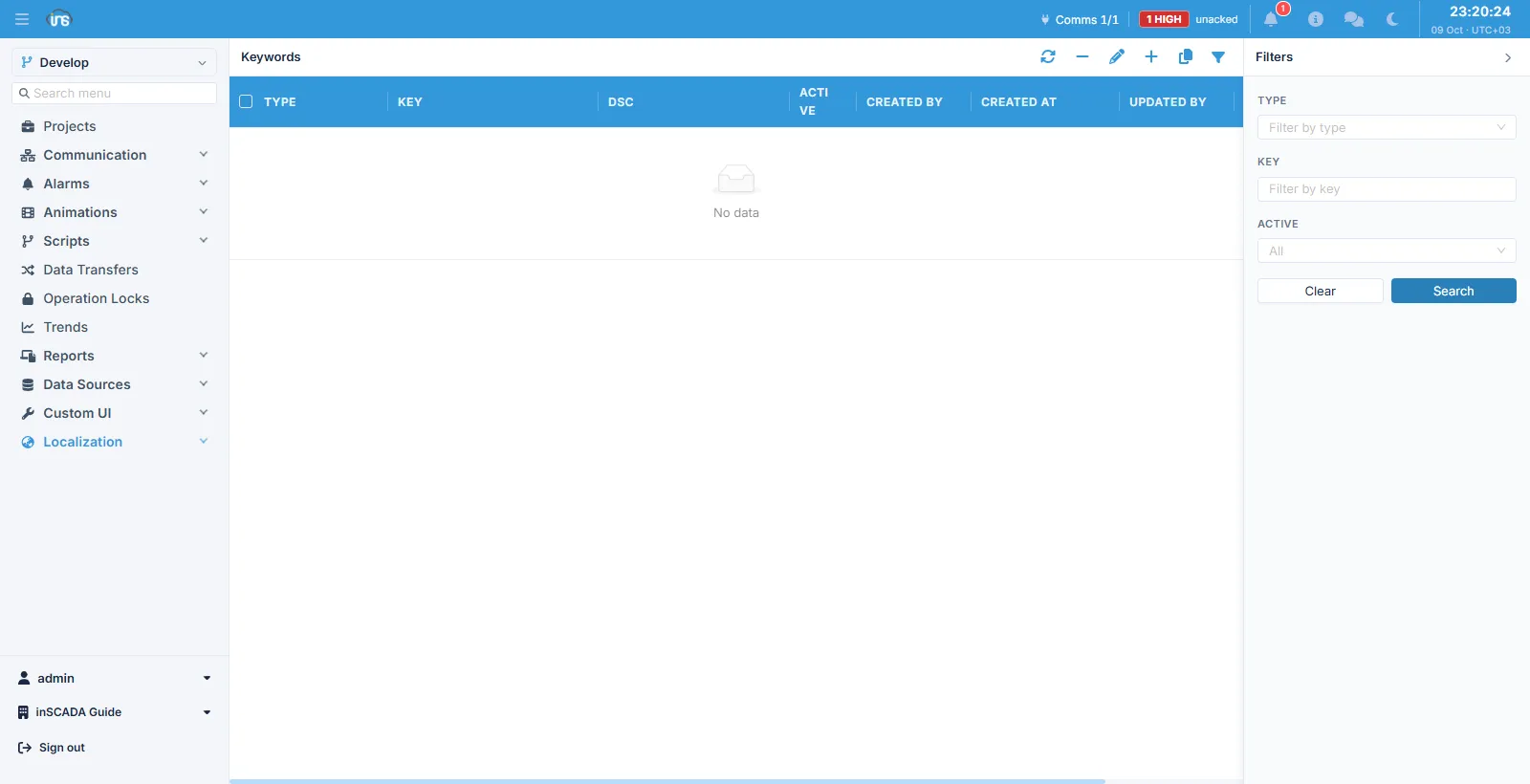
Fields
Section titled “Fields”| Field | Description |
|---|---|
| Type | Which screen the preset belongs to |
| Key | The preset’s name, max 100 characters |
| Dsc | Description, max 255 characters |
| Active | Whether the preset appears in the list |
| Type | Where it appears |
|---|---|
| Trends | The Trend Graphic screen |
| Reports | The Report screen |
| Logs Activity | The Log screen |
The type decides where a preset is offered: the Trend Graphic lists only those of type Trends.
What is stored
Section titled “What is stored”A preset stores the parameters of the screen it belongs to. For the Trend Graphic those are:
| Parameter | What it does |
|---|---|
| Start date | Where the chart begins |
| End date | Where it ends |
| Interval | The sampling interval in seconds; giving one turns the automatic interval off |
| Calculation type | Mean, maximum, minimum and the like |
Picking the preset from the list applies these to the screen.
Related
Section titled “Related”- Trend Graphic — where presets are used
- Languages — interface text