
Users & Access
Access in inSCADA is built from four parts. Separating them first makes every screen that follows readable.
| Part | What it is | Its scope |
|---|---|---|
| User | The account itself — sign-in name, e-mail, phone, open or closed | Platform-wide |
| Space membership | Which spaces the account may enter | Account ↔ space |
| Role | A bundle of permissions, menus and access targets | Belongs to a space |
| Permission / menu / target | The three bindings a role carries | Belongs to a space |
A user can be a member of several spaces and in each one carries that space’s roles. A role in one space means nothing in another.
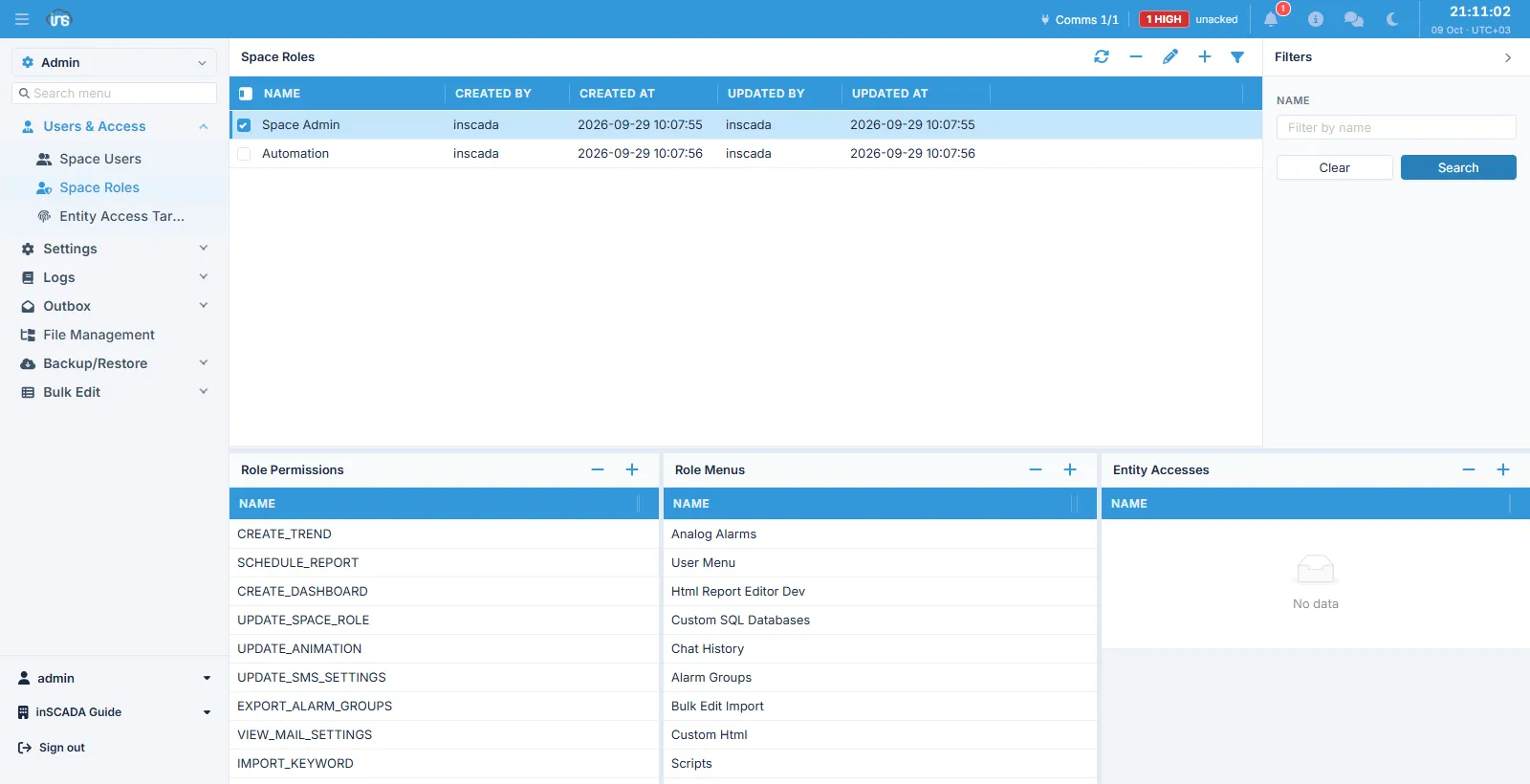
Screens at two scopes
Section titled “Screens at two scopes”The Users & Access group in the side menu holds both levels at once:
| Screen | Level | What it manages |
|---|---|---|
| Users | Platform | Every account, independent of spaces |
| Spaces | Platform | The spaces themselves |
| Space Users | Space | This space’s users |
| Space Roles | Space | This space’s roles |
| Entity Access Targets | Space | Access to individual records |
Permission, menu, or target
Section titled “Permission, menu, or target”The three answer three different questions and do not substitute for one another:
- Permission — what may they do?
UPDATE_ANIMATION,RUN_SCRIPT,SET_VARIABLE_VALUE - Menu — where may they go?
Scripts,Alarm Groups,Custom Html - Access target — which record may they touch? “the Boiler Room animation”
A role can carry a screen’s permission without seeing the screen (to use it over the API), or see the screen and be unable to change anything on it.
Passwords and signing in
Section titled “Passwords and signing in”An account is opened without a password: the platform issues a one-time password setup link and the user sets their own at first sign-in. At no point does an administrator see or type the password.
Signing in can be by local password, through an identity provider, or against a directory (LDAP); the account’s OTP Type field decides the second-factor channel (none, sms, mail).
Related
Section titled “Related”- LDAP Settings — mapping users from a directory
- Audit Logs — who changed what