
Space Roles
A role defines together what a user may do, what they can see, and which records they may touch inside this space. It is three bindings brought together.
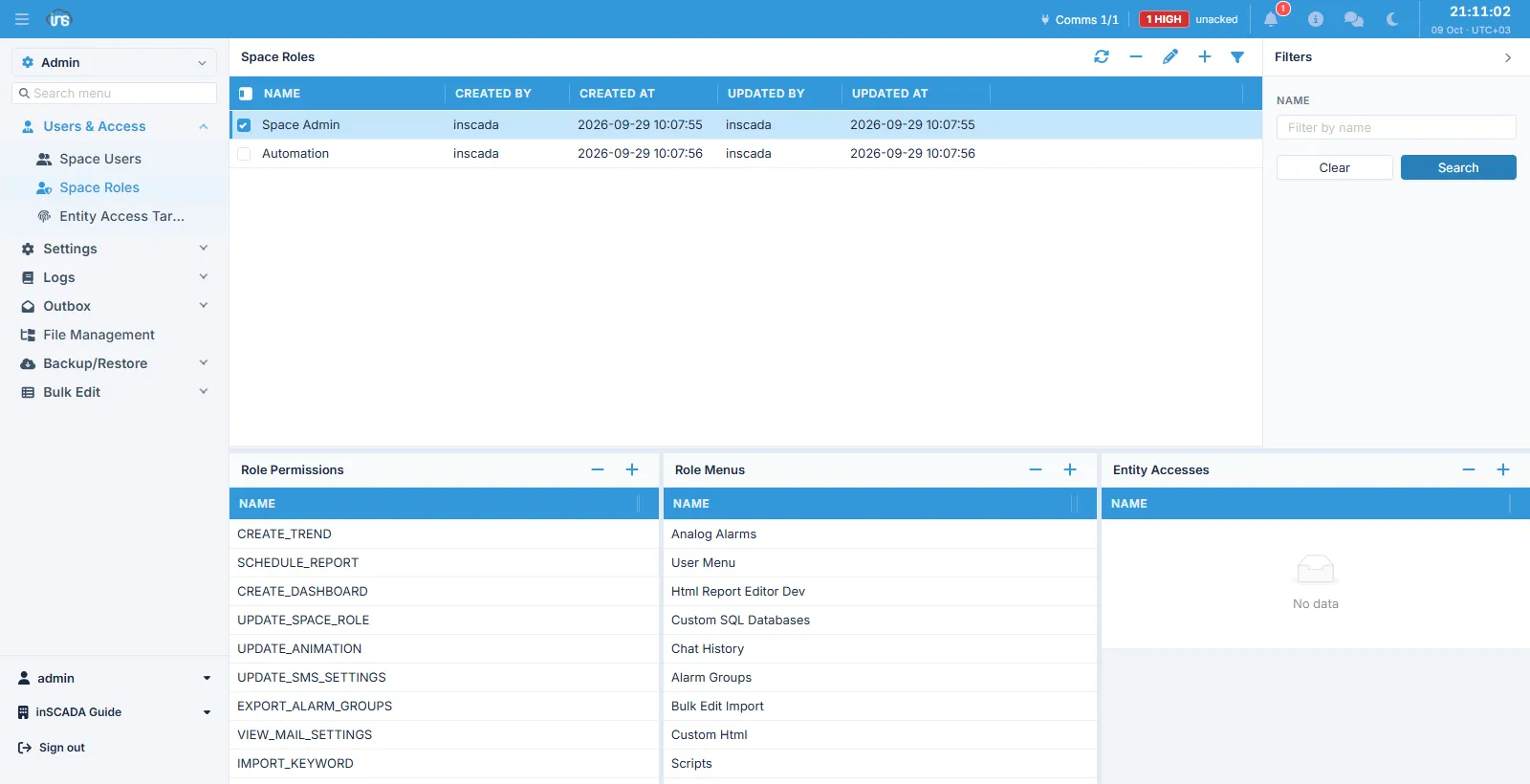
The role list sits at the top and the selected role’s three panels below it: Role Permissions, Role Menus and Entity Accesses.
The three bindings
Section titled “The three bindings”| Panel | What it decides | The question |
|---|---|---|
| Role Permissions | The operations allowed (CREATE_TREND, UPDATE_ANIMATION, SCHEDULE_REPORT, …) | What may they do? |
| Role Menus | The screens shown in the interface (Alarm Groups, Scripts, Custom Html, …) | Where may they go? |
| Entity Accesses | The individual records they may reach | Which record may they touch? |
Permissions and menus are kept apart because they are different questions: a role can carry a screen’s permission without seeing the screen (to use it over the API), or see the screen and only read on it.
Fields
Section titled “Fields”| Field | Description |
|---|---|
| Name | The role’s name, max 100 characters |
A role belongs to the space it was made in; a role of the same name in another space is a separate record carrying its own bindings.
The roles that come with a space
Section titled “The roles that come with a space”Every space ships with two system roles:
| Role | What it is for |
|---|---|
| Space Admin | The space’s administrator role |
| Automation | The role the platform’s own automation (scripts, scheduled jobs) acts as |
These are system records and are protected from deletion.
Permissions
Section titled “Permissions”Permissions are not a fixed list but records of the platform’s own, and they grow with each release. They are named VERB_ENTITY — VIEW_VARIABLE, CREATE_TREND, UPDATE_SPACE_ROLE, EXPORT_ALARM_GROUPS.
When a user holds several roles their permissions combine; no role can take back what another grants.
Related
Section titled “Related”- Space Users — giving a role to a user
- Entity Access Targets — access to individual records