
HTML Report Editor
This is where an HTML report is written. Two selectors sit at the top: first the project, then the report within it. The editor stays empty until a report is chosen.
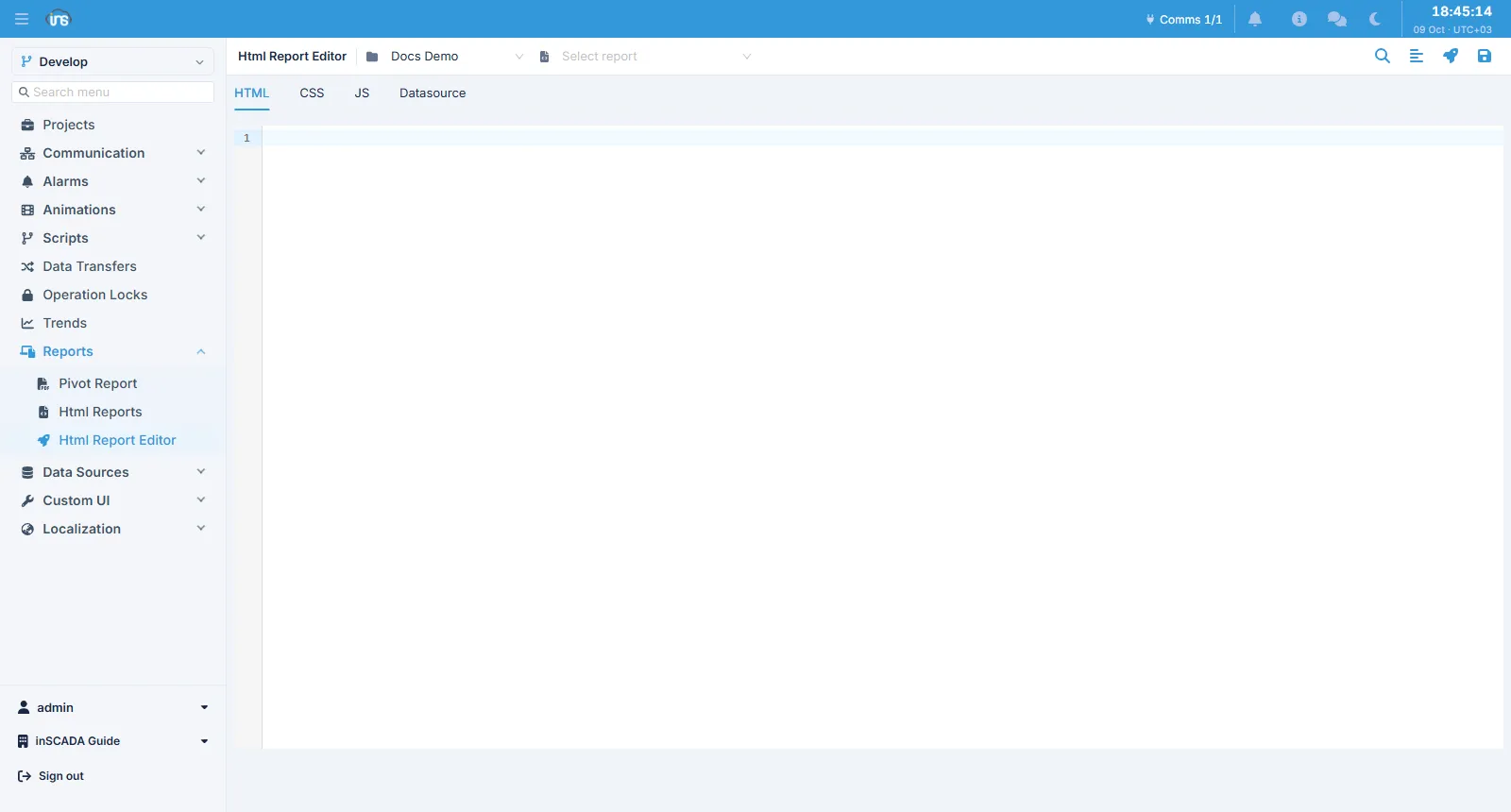
Four tabs
Section titled “Four tabs”| Tab | Where it runs |
|---|---|
| HTML · CSS · JS | In the browser — the report’s presentation |
| Datasource | On the server — the script that prepares the data |
The split is not just an editing convenience, it is how the report works: the first three display data that arrives ready-made, and the fourth produces it. The boundary between them, and the reason for it, is on the HTML Report page.
Each tab colours its own language, and the search and formatting tools are at the top right.
Saving and preview
Section titled “Saving and preview”Two actions sit at the top right: Save and Preview.
This matches the Custom HTML editor; the only difference is that there is no separate Save button there.
The preview opens the report as an operator would receive it. An error in the datasource, or a page that cannot find the data it expects, shows up here.
Related
Section titled “Related”- HTML Report — the report’s structure and the datasource’s rules
- Pivot Report — the other family, built by configuration