
LDAP
LDAP settings let users authenticate against the organisation’s directory: Active Directory or a standard LDAP server. The user holds no separate password in inSCADA; they sign in with their directory password.
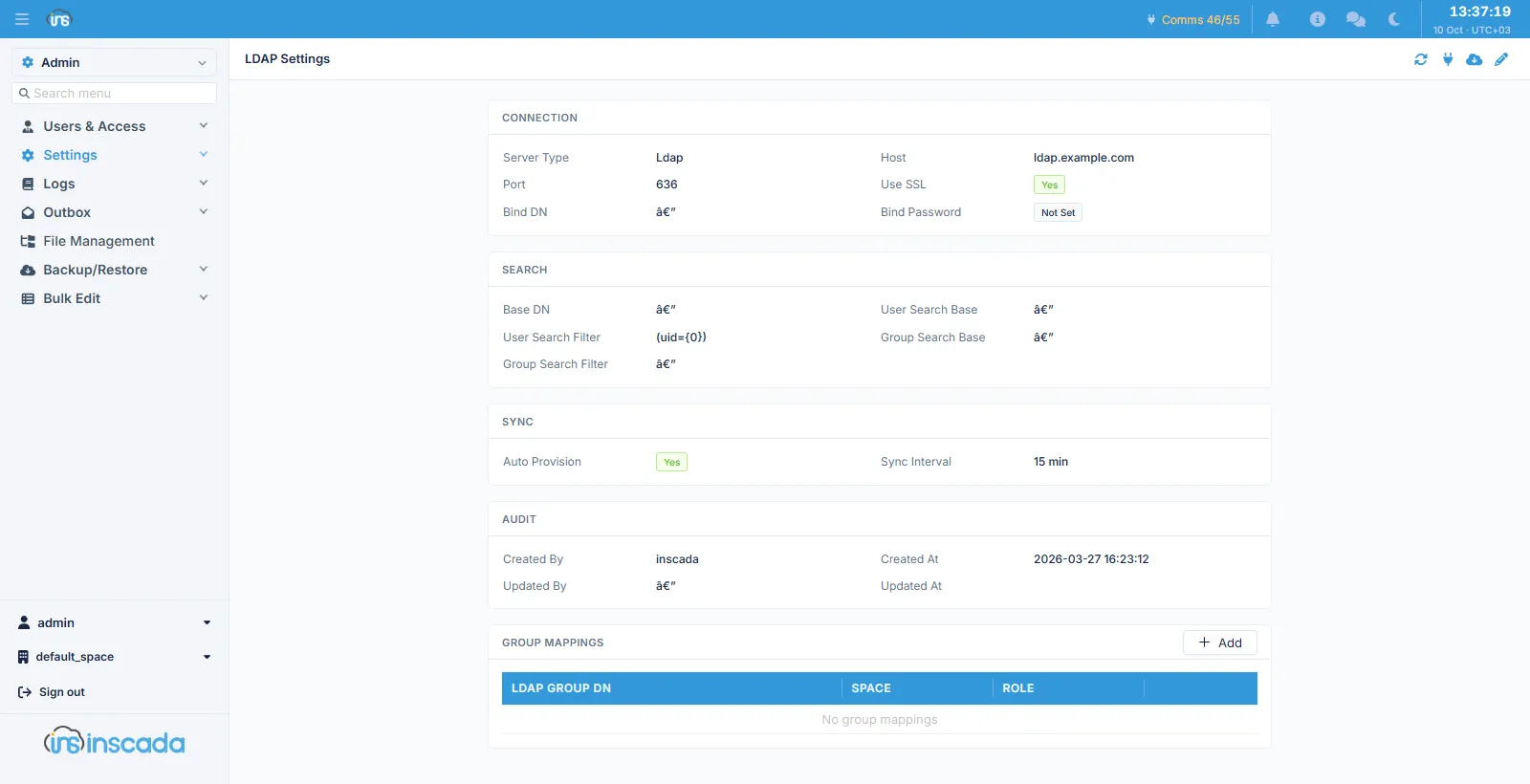
Connection
Section titled “Connection”| Field | Default | Description |
|---|---|---|
| Server Type | Ldap | Ldap or Active Directory |
| Host | — | The server’s address (max 253 characters) |
| Port | 636 | The server port |
| Use SSL | on | An encrypted connection |
| Bind DN | — | The DN of the account that performs the search |
| Bind Password | — | That account’s password |
| AD Domain | — | The Active Directory domain |
The bind password is not shown back; only whether it is set.
Search
Section titled “Search”| Field | Default | Description |
|---|---|---|
| Base DN | — | The root of the search |
| User Search Base | — | The branch users are searched in |
| User Search Filter | (uid={0}) | The filter that finds a user; {0} is the name typed |
| Group Search Base | — | The branch groups are searched in |
| Group Search Filter | — | The filter that finds groups |
Synchronisation
Section titled “Synchronisation”| Field | Default | Description |
|---|---|---|
| Auto Provision | on | Create an account by itself for a user the directory authenticates |
| Sync Interval | 15 min | The synchronisation interval (1 – 1440 minutes) |
With Auto Provision on, an inSCADA account does not have to exist in advance for a user the directory authenticates successfully — it is created at first sign-in.
Group mappings
Section titled “Group mappings”The Group Mappings table below binds a directory group to a role in a space:
| Field | Description |
|---|---|
| LDAP Group DN | The group’s DN in the directory (max 500 characters) |
| Space | The space the role belongs to |
| Role | The role granted |
Related
Section titled “Related”- Users — accounts and their sign-in method
- Space Roles — the roles to map to