
Bulk Edit — Import
Import writes back the Excel file you exported and edited.
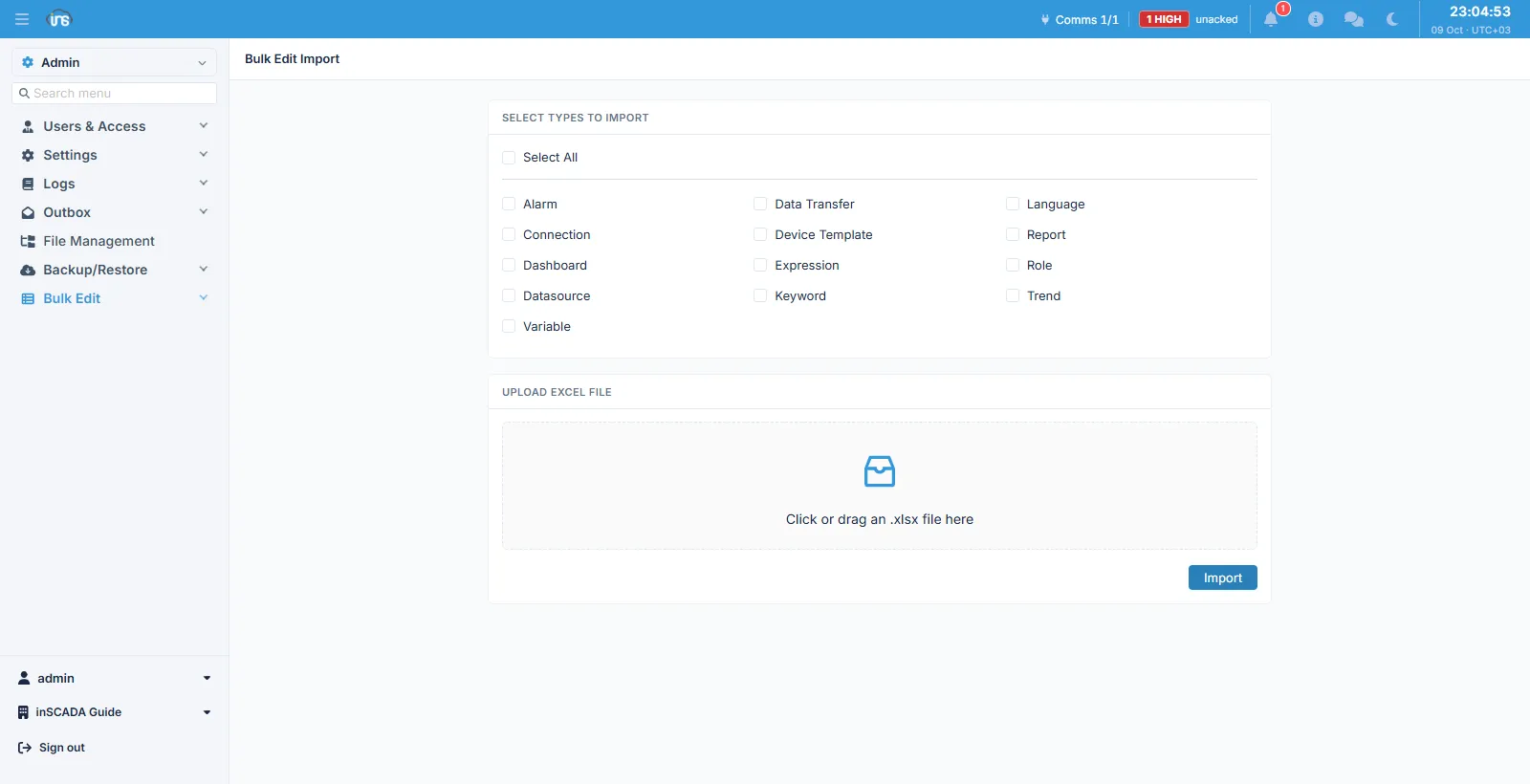
Fields
Section titled “Fields”| Field | Description |
|---|---|
| Types | The data types to import; Select All ticks every one |
| File | The edited .xlsx workbook |
The type selection is here too, and it is independent of the file: a workbook may carry five sheets while only the types you tick are loaded. That is how you correct one type and leave the others alone.
The flow
Section titled “The flow”- Export the types you need to Excel from the export screen
- Edit the workbook — add rows, change them
- Select the types here and upload the file
When it finishes, you are told how many records succeeded and how many failed.
There is no version warning
Section titled “There is no version warning”An Excel workbook is not an archive — it holds rows, not a snapshot of an installation. The version-mismatch check that runs on a restore therefore does not run here; there is no manifest to check against.
Related
Section titled “Related”- Bulk Edit → Export — producing the file
- Restore — writing an installation back