
Broadcast
The broadcast screen lists the installation’s live video streams and lets you watch them, so site cameras sit in the same interface as the SCADA.
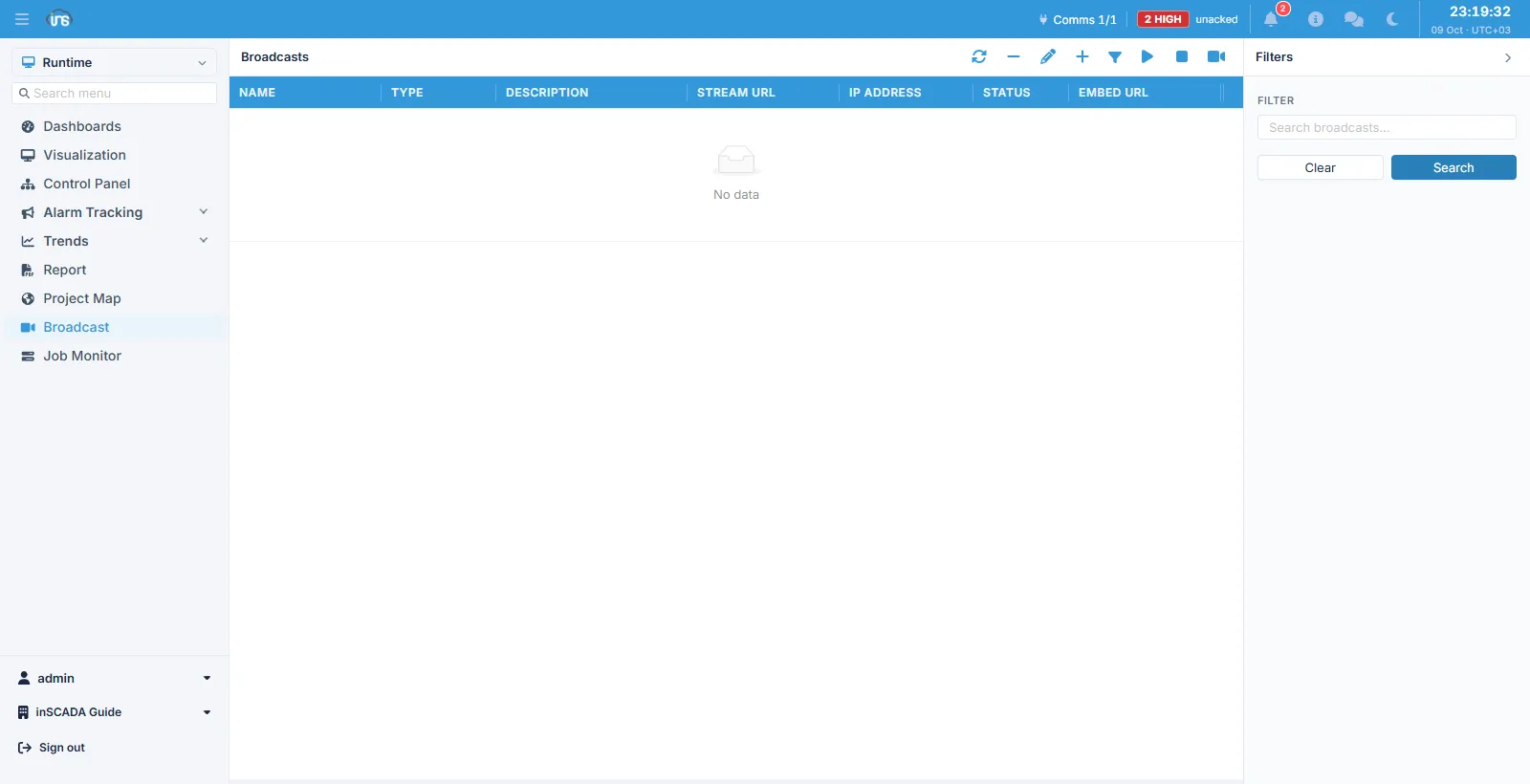
Columns
Section titled “Columns”| Column | Description |
|---|---|
| Name | The broadcast’s name |
| Type | The kind of stream |
| Description | Description |
| Stream URL | Where the stream comes from |
| IP Address | The source address |
| Status | The stream’s current state |
| Embed URL | The address for embedding the stream in another page |
The toolbar holds refresh, delete, edit, add, filter, start, stop and watch.
The embed address
Section titled “The embed address”Embed URL is for putting a stream inside another screen: place a frame with this address in a custom HTML screen or an animation and the camera sits beside the process it is watching.
Related
Section titled “Related”- Broadcast Settings — the media server connection
- Custom HTML — embedding a stream in a screen