
App Email
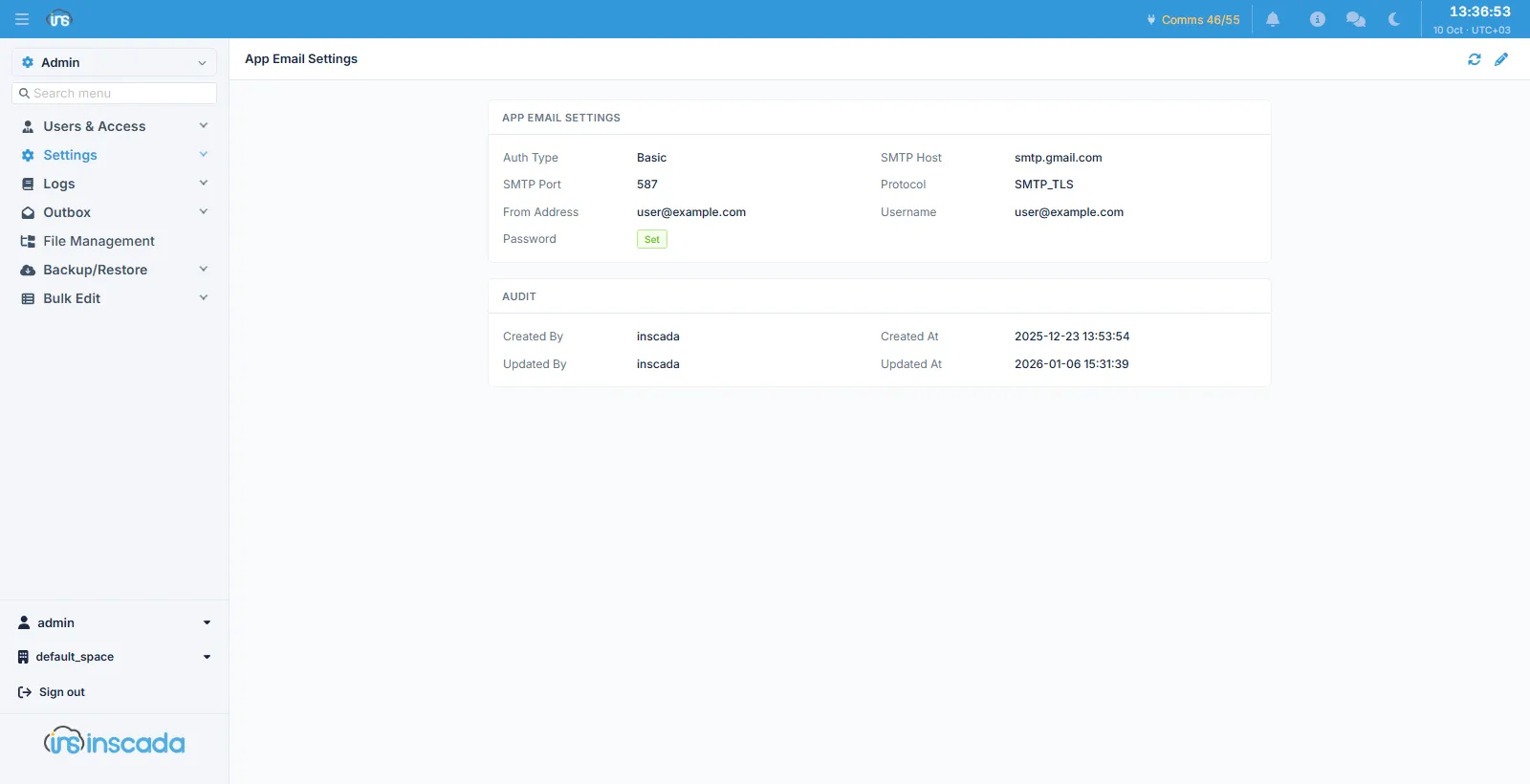
This screen configures the mail the platform sends on its own behalf: the account setup link, password resets, and second-factor codes sent by e-mail.
How it differs from the space setting
Section titled “How it differs from the space setting”The two screens carry the same fields but send different mail:
| App Email | Email Settings | |
|---|---|---|
| Scope | The whole installation | One space |
| What it sends | Account setup, password resets, OTP codes | Alarm notifications, scheduled reports, script mail |
| Who it reaches | Someone who may not have signed in yet | The space’s users and contacts |
Fields
Section titled “Fields”| Field | Description |
|---|---|
| Auth Type | Basic or OAuth2 |
| SMTP Host / SMTP Port | The mail server |
| Protocol | The transport: SMTP, SMTP_TLS or SMTPS |
| From Address | The sending address |
| Username / Password | The credentials |
The password is not shown back; only whether it is set. With OAuth2, the client id, client secret, refresh token and endpoints take its place — detail on the Email Settings page.
An Audit block below shows who changed the record and when.
Related
Section titled “Related”- Email Settings — sending at space level
- App SMS — the SMS equivalent
- Login Page — the language of account mail