
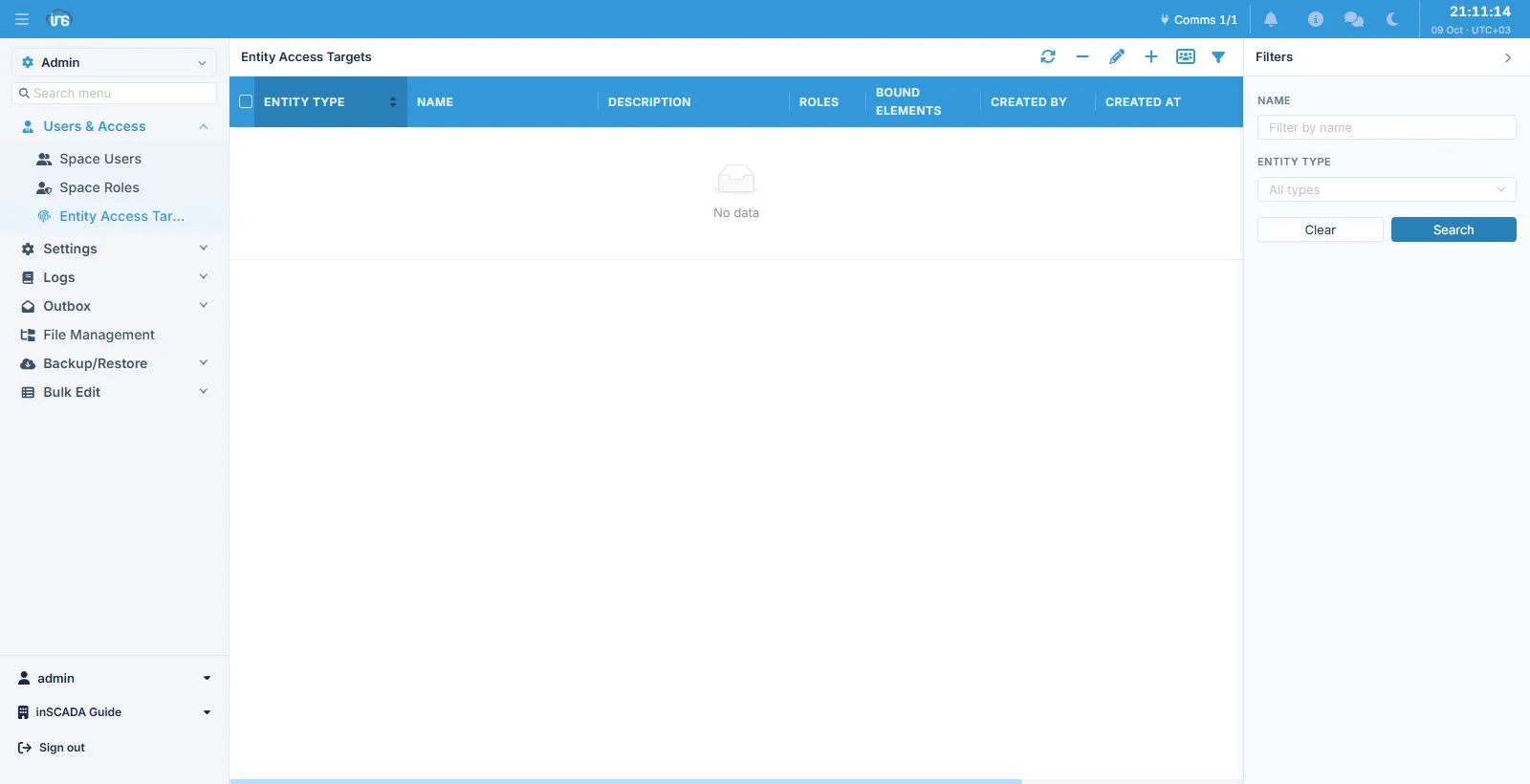
Entity Access Targets
A permission allows a kind of operation: a role carrying VIEW_ANIMATION can see animations. An entity access target narrows the question by one step — which animation?
A target names a single record, and you bind that name to roles. Two roles carrying the same VIEW_ANIMATION permission can then see different screens.
Columns
Section titled “Columns”| Column | Description |
|---|---|
| Entity Type | The kind of record the target points at |
| Name | The target’s name, max 100 characters |
| Description | Description, max 255 characters |
| Roles | The roles this target is bound to |
| Bound Elements | The elements bound to the target |
The type and the identity of the record it points at cannot be changed after it is created: a target is nothing but the record it points at, so pointing at a different one means a new target.
Which types can be a target
Section titled “Which types can be a target”Most kinds of record can be the subject of a target — project, connection, device, variable, alarm, alarm group, trend, animation, faceplate, script, report, datasource, query, custom HTML, dashboard and so on.
Some are deliberately left out:
| Type | Why |
|---|---|
| Animation element, faceplate element and placeholder | An element’s own id does not survive cloning and importing; an access group is used instead |
| Variable and frame templates | A template copy, not a real record |
| Installed component | A reusable building block, not screen content |
Ownership flows downwards
Section titled “Ownership flows downwards”A record’s access ownership propagates from the top down through the hierarchy: project → its direct children such as connections, animations and reports → their children → the leaves. The more specific level overrides what it inherits.
In practice: define a target on a project and everything inside it inherits that target. To single out one animation, give it a target of its own — you have then changed the project-level rule for that record alone.
Related
Section titled “Related”- Space Roles — where a target is bound
- Users & Access — the model as a whole