
Quota Policies
Quota policies decide how many records of each type an installation may hold: how many analogue alarms, how many data transfers, how many custom menus. On a cloud installation they stop one tenant consuming another’s resources; on-premises they are a safety valve against a runaway script creating records by the thousand.
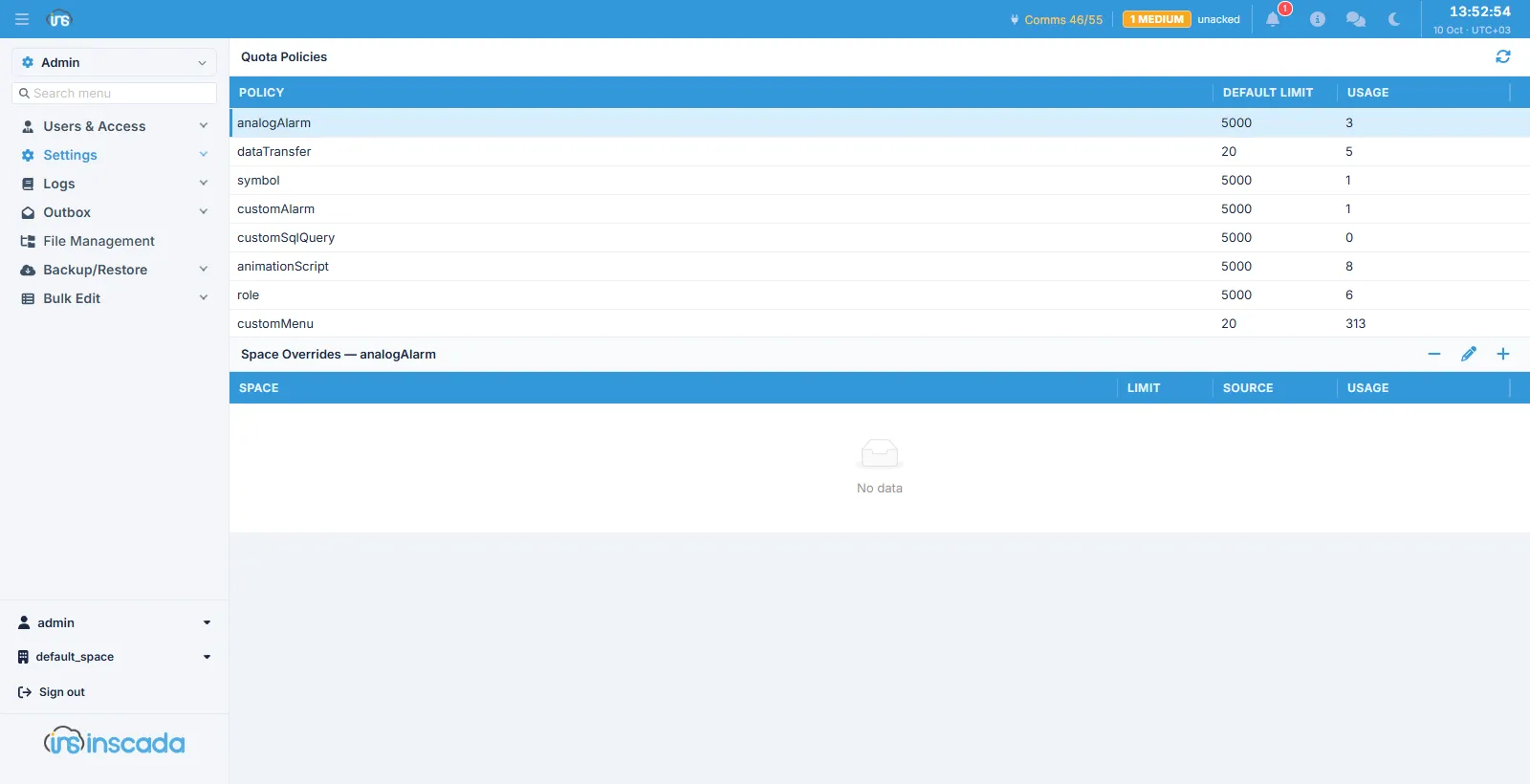
Columns
Section titled “Columns”| Column | Description |
|---|---|
| Policy | The record type (analogAlarm, dataTransfer, customMenu, …) |
| Default Limit | The default ceiling per space |
| Usage | How much is used now |
Selecting a policy opens the Space Overrides panel below it.
Space overrides
Section titled “Space overrides”| Column | Description |
|---|---|
| Space | The space the override applies to |
| Limit | The limit in force for that space |
| Source | Where the limit comes from |
| Usage | That space’s usage |
The default limit applies to every space; where one space needs a higher (or lower) one, an override is defined here.
How counting works
Section titled “How counting works”The counters live in the database and are locked while they are updated, so “check and increment” is one indivisible step. Two creations arriving at once cannot push past the limit together.