
Custom Alarms
A custom alarm defines its condition as a JavaScript expression. The alarm is ON while the expression returns a truthy value and OFF when it returns a falsy one.
Analog and digital alarms watch a single variable. A custom alarm is for when the condition depends on several variables, or on a calculation.
The fields every alarm carries (name, groupId, delay, part, isActive, …) are listed on Alarm Management.
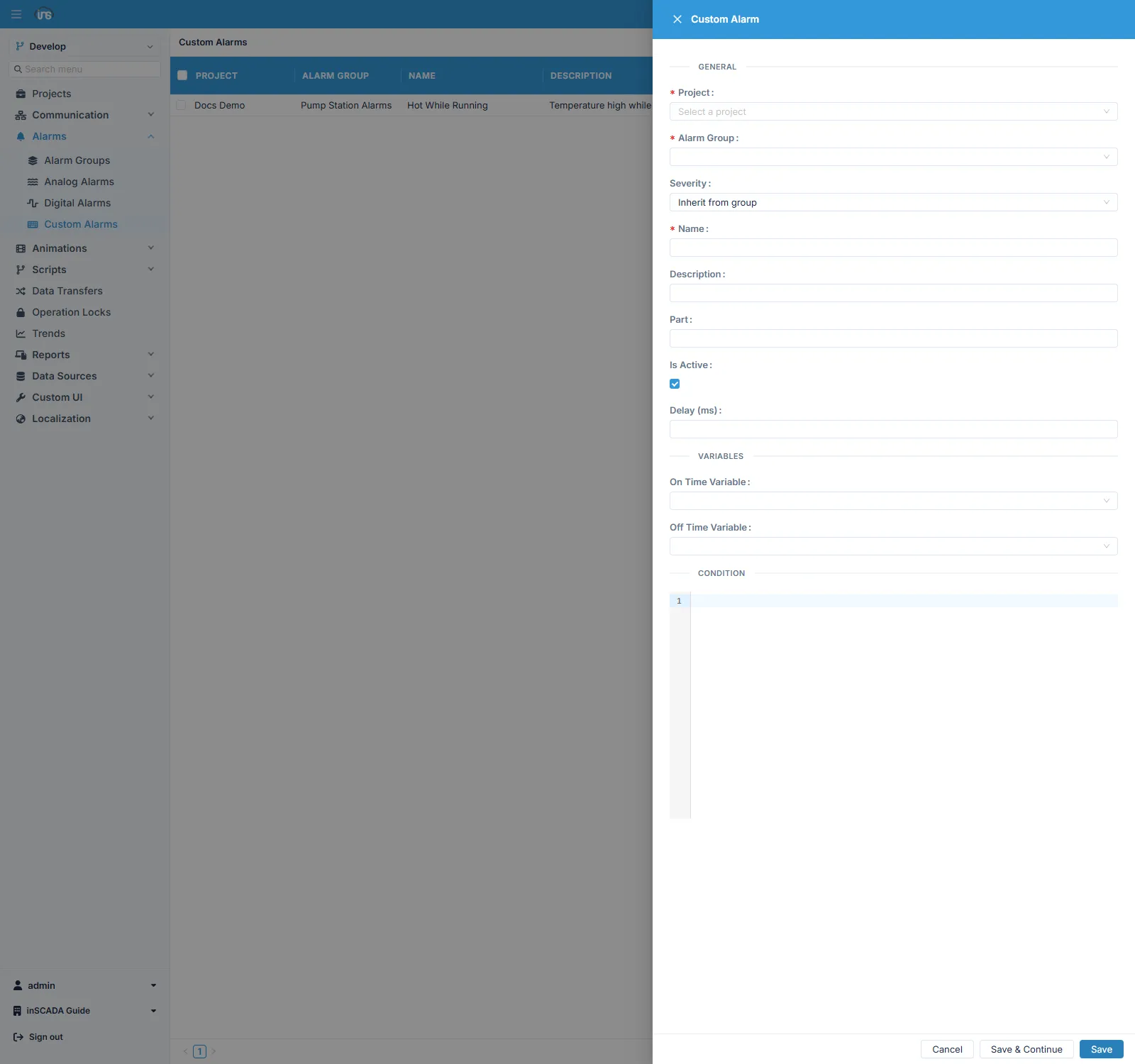
Writing the condition
Section titled “Writing the condition”// Alarm when power and temperature are high togethervar power = ins.getVariableValue("ActivePower_kW").value;var temp = ins.getVariableValue("Temperature_C").value;return power > 500 && temp > 70;The expression runs on the group’s scanTimeInMillis period, so it should not do heavy work — it is re-evaluated on every scan.
When to use one
Section titled “When to use one”| Situation | Why |
|---|---|
| The condition depends on more than two variables | A digital alarm combines at most two |
| The comparison is between two variables | tank1 > tank2 rather than a fixed limit |
| A derived quantity is being watched | Efficiency, differential pressure, a ratio |
| The condition mixes a threshold with logic | “Temperature high and pump running” |
If the condition is just one variable against a fixed threshold, prefer an analog alarm: the thresholds are visible as fields, deadband and deviation come ready-made, and the condition is evaluated without running a script every scan.
Likewise, combining two boolean signals with AND/OR, or inverting one, needs no custom alarm — a digital alarm offers both as fields.
Things to watch
Section titled “Things to watch”For writing expressions and the methods available: Expressions · Alarm API
Related
Section titled “Related”- Alarm Groups — scan period, colours and trigger scripts
- Analog Alarms · Digital Alarms