
Figma Design Bridge
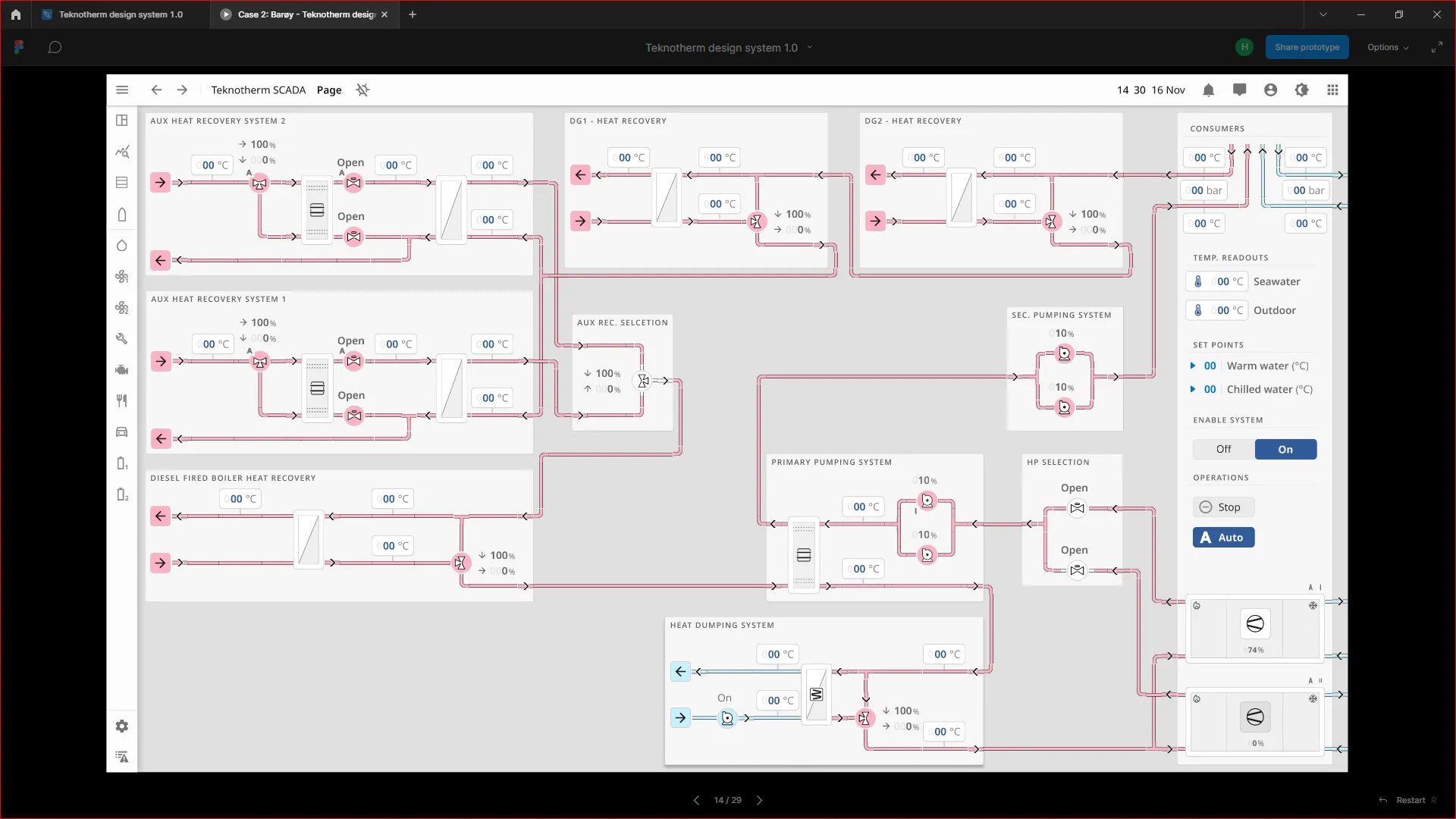
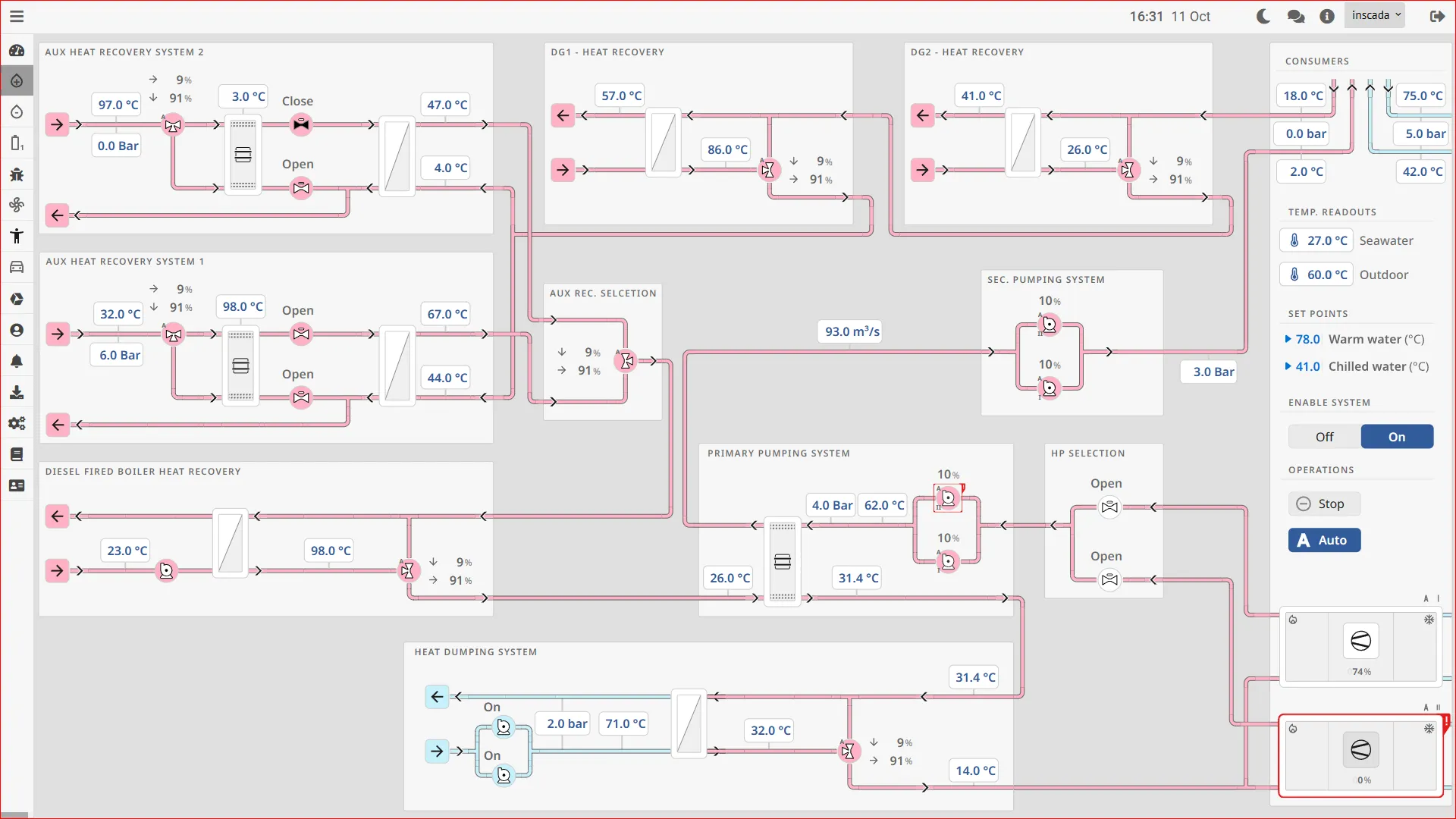
inSCADA Design Bridge is a Figma plugin that lets you export your SCADA screen designs directly to the inSCADA platform. Designers and engineers can work together on the same Figma file to create professional SCADA interfaces.
Note: This product is currently in beta. Features and interface may change.
How It Works
Section titled “How It Works”- Design in Figma — Create your SCADA screens using Figma’s design tools
- Bind variables — Map design elements to inSCADA variables
- Export — The plugin exports the design as SVG/HTML
- Run in inSCADA — The exported screen starts working with live SCADA data
Features
Section titled “Features”- Figma integration — Work directly from within Figma, no separate tool needed
- SVG/HTML export — Export designs in formats ready to upload to inSCADA
- Variable binding — Map design elements to SCADA variables (text, color, width, opacity, rotation)
- Live preview — Exported screens receive live data via inSCADA REST API
- Font support — Used fonts are automatically detected and Google Fonts links are generated
- Zero dependencies — Exported screens run without any additional libraries
Use Cases
Section titled “Use Cases”- Professional SCADA interfaces — Industry-standard screens with design systems like OpenBridge
- Maritime HVAC/Water Systems — Ship automation screens
- Building management systems — Modern and user-friendly BMS interfaces
- Factory monitoring panels — Production line visualization
Status
Section titled “Status”Design Bridge is currently under active development. Features are being added and improved during the beta period.
For questions and feedback, contact us at inscada.com/contact.