
Email Settings
This screen holds the e-mail sending configuration for the space you are in. Alarm notifications, scheduled reports and messages sent by scripts all go out through these settings.
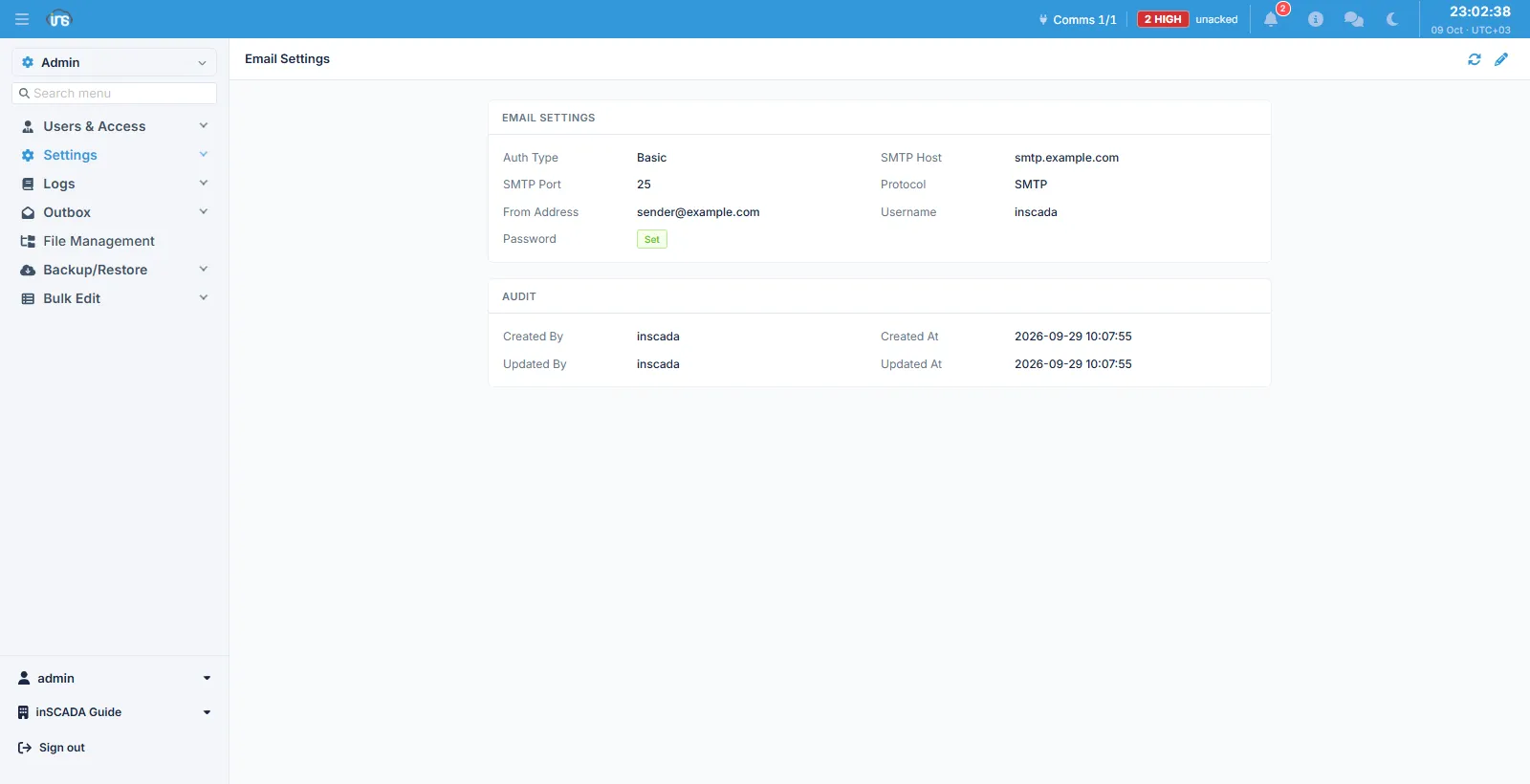
Fields
Section titled “Fields”| Field | Description |
|---|---|
| Auth Type | Basic or OAuth2 |
| SMTP Host | The mail server’s address, max 253 characters |
| SMTP Port | The server port |
| Protocol | The transport: SMTP, SMTP_TLS or SMTPS |
| From Address | The sending address; must be a valid e-mail |
| Username | The authentication user name |
| Password | The password, max 50 characters |
An Audit block below shows who created and updated the record, and when.
Choosing the transport
Section titled “Choosing the transport”| Value | What it does |
|---|---|
SMTP | Unencrypted |
SMTP_TLS | Opens plainly and upgrades to encryption with STARTTLS |
SMTPS | The connection is encrypted from the start |
The port and the transport have to agree; pick the transport the port your provider gave you expects.
The password is not shown back
Section titled “The password is not shown back”The password field shows whether a value is set (a Set badge), not the value itself. It is stored encrypted. Leaving it empty while editing keeps the existing password; it changes only when you type a new one.
OAuth2
Section titled “OAuth2”With Auth Type set to OAuth2, the OAuth fields take the place of the password: client id, client secret, refresh token, the authorization and token endpoints, and the scope. The client secret and the refresh token are not shown back either, and change only when a new value is typed.
This is for providers that have turned basic authentication off.
Keep the two layers apart
Section titled “Keep the two layers apart”The setting here belongs to this space. Application-level mail — the sign-in screen, password resets — uses a separate configuration. If a user is not receiving their password setup link, the problem may be in the application-level setting rather than this one.
Related
Section titled “Related”- Outbox — Email — the record of what was sent
- SMS Settings