
Restore
Restore writes a backup file back into the space you are in.
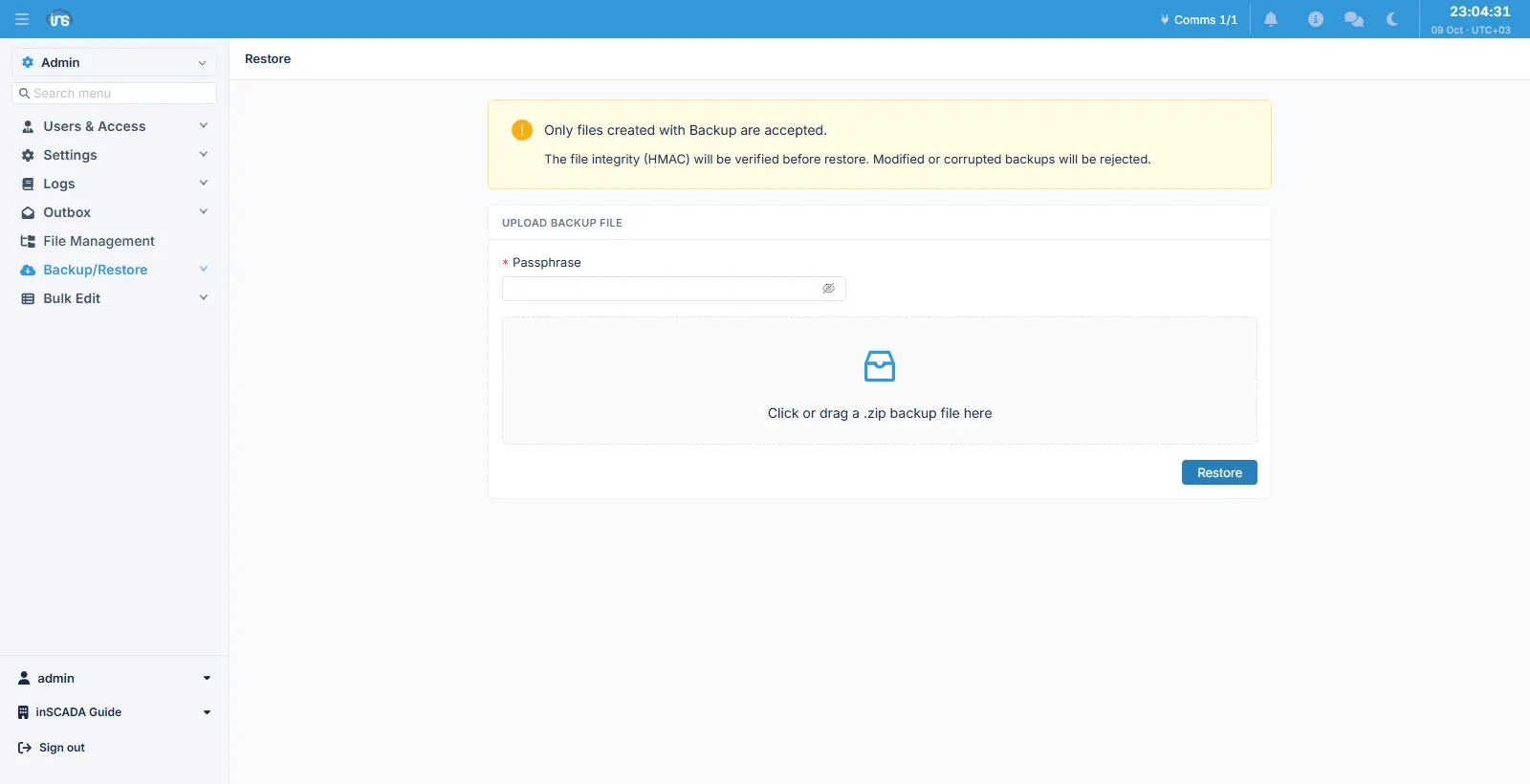
Fields
Section titled “Fields”| Field | Description |
|---|---|
| Passphrase | The passphrase used when the backup was taken — required |
| File | Only a .zip produced by the Backup screen is accepted |
The file’s integrity is verified before anything is written back. A modified or corrupted backup is refused; a wrong passphrase fails the same way, because both come up against the same check.
Whatever is in the file is what is loaded
Section titled “Whatever is in the file is what is loaded”Restore offers no type selection and reads no list out of the backup — it imports whatever the .zip actually contains. That is the other half of the “no selection” decision on the backup side.
The version warning
Section titled “The version warning”If a backup taken on one version is restored onto another, the restore warns — but does not stop.
| Case | Behaviour |
|---|---|
| The versions match | Silent |
| The versions differ | A warning; the restore continues |
| The backup names no version | A neutral line, not a fault |
Every difference warns; there is no major/minor reading. A comparison that decided which differences are safe would become the thing this deliberately is not — a compatibility layer.
Not stopping is deliberate too: an archive is a whole installation, and this is the one operation an operator reaches for when something has already gone wrong.
The audit record
Section titled “The audit record”A restore is written to the audit trail, and the record names the person who asked for it, even though the work itself ran in the background as the system user.
Related
Section titled “Related”- Backup — producing the file
- Backup (operations) — the secret bundle, the master key, and what to check after a restore