
Rotate and Move
Both move an object according to a value: Rotate turns it, Move translates it. They are used wherever position carries meaning — a gauge needle, a valve lever, a product on a conveyor, a lift car.
Both are available on any SVG object, and both have two modes, Expressions and Tag. The forms below are in Tag mode.
Rotate
Section titled “Rotate”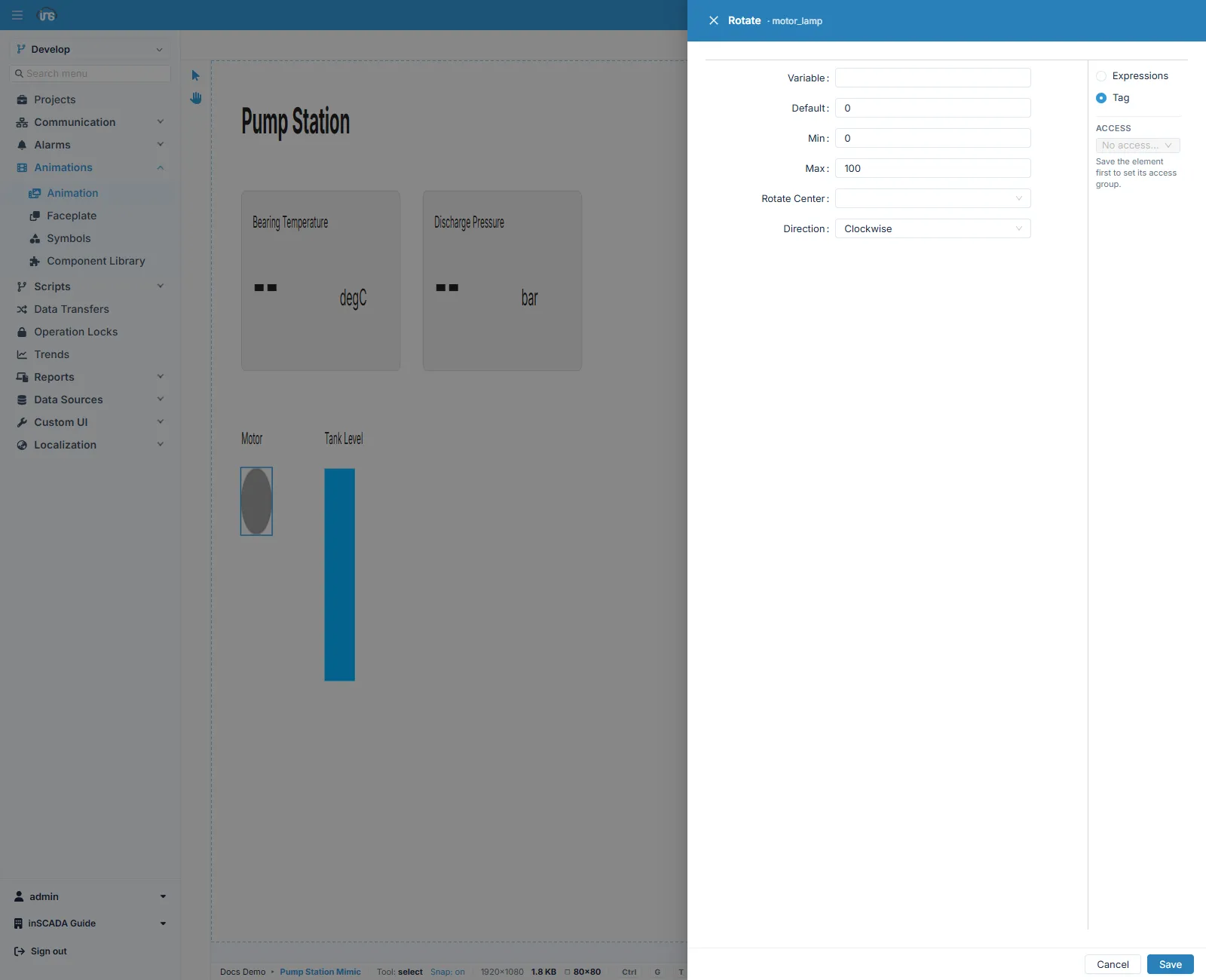
| Field | Description |
|---|---|
| Variable | The variable to read |
| Default | The value used when it cannot be read |
| Min · Max | The values the ends of the rotation correspond to |
| Rotate Center | The centre of rotation |
| Direction | Which way it turns — clockwise or anticlockwise |
At Min the object sits at its starting angle and at Max at its full angle; values in between are proportioned.
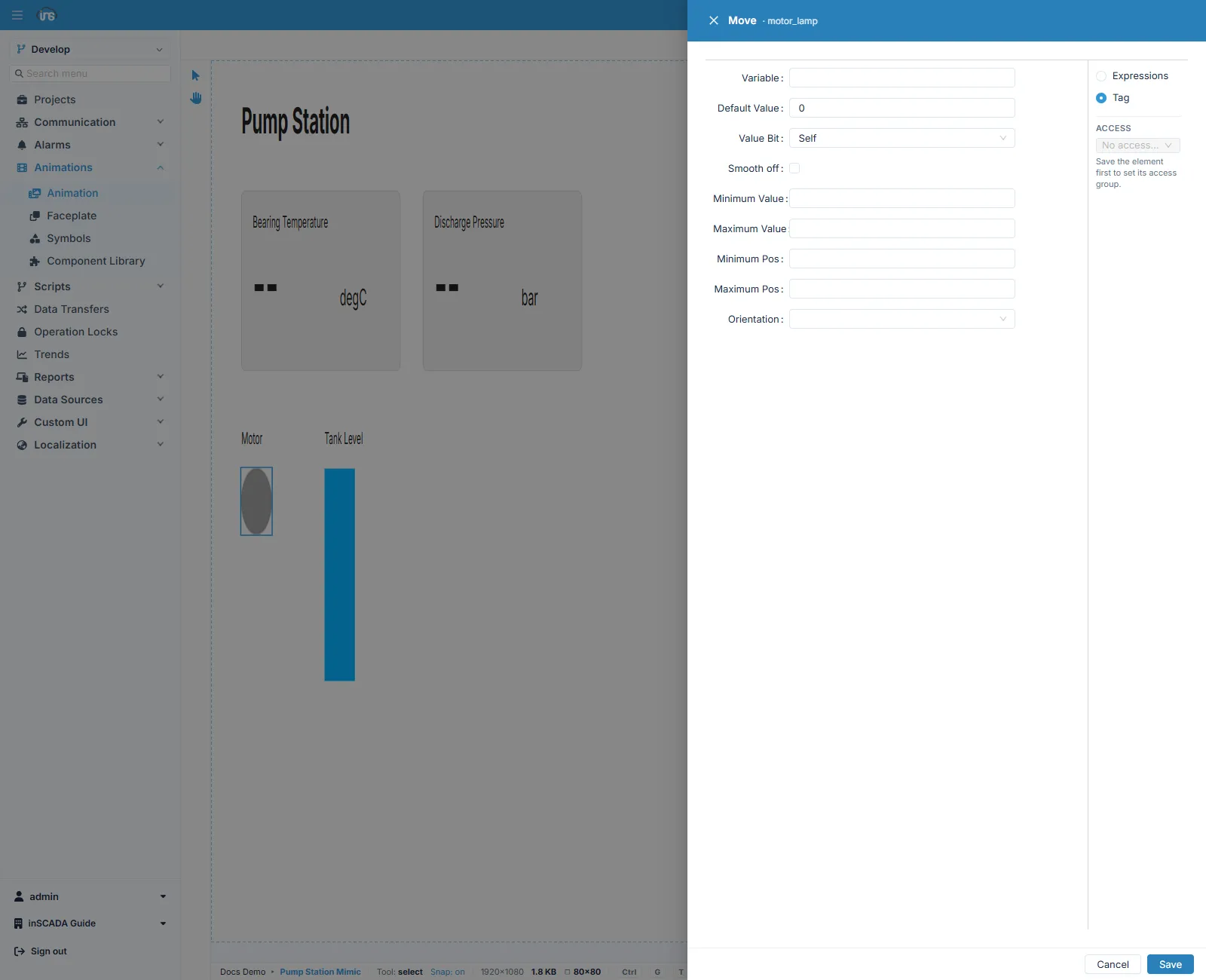
| Field | Description |
|---|---|
| Variable | The variable to read |
| Default Value | The value used when it cannot be read |
| Value Bit | Self takes the whole value; choosing a bit index reads only that bit out of the word |
| Smooth off | Ticked, the motion is not smoothed and the object jumps as the value changes |
| Minimum Value · Maximum Value | The ends of the value range |
| Minimum Pos · Maximum Pos | The positions those ends correspond to |
| Orientation | The axis of travel — horizontal or vertical |
Two ranges are mapped onto each other: the variable’s range of values, and the range of positions the object travels through. Mapping 0–100 onto 0–400 pixels on a conveyor indicator is the typical use.
Smooth off is unticked by default, so motion is smoothed. Where the value itself arrives gradually — a measurement — smoothing is natural; where it arrives in discrete steps, such as a position number, smoothing can make the motion look late, and the box is worth ticking.
Which to use
Section titled “Which to use”| What you want | Type |
|---|---|
| A needle, lever or hatch turning about an axis | Rotate |
| An object travelling along a line | Move |
| The object to grow and shrink | Scale |
| The impression of flow inside a pipe | Pipe |
Related
Section titled “Related”- Element Editor — the fields every binding form shares
- Bar and Scale — the types that change size