
Alarm Groups
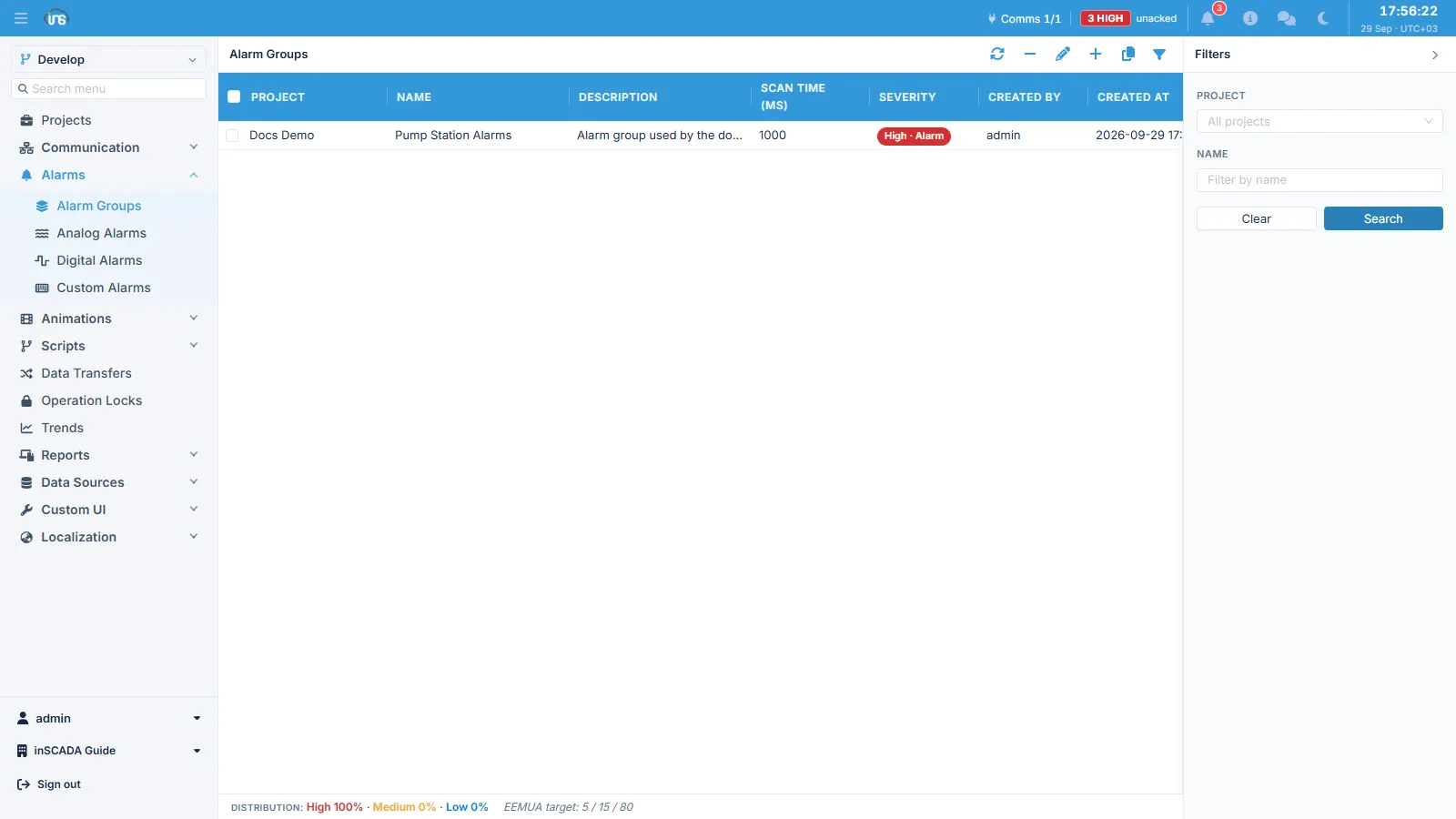
An alarm group organises alarm definitions and sets the behaviour that applies across all of them: the scan period, the priority, the scripts to run on alarm events, the colours used in the monitor, and the printer settings. Each group belongs to a project.
Every alarm definition must belong to a group, so the group has to exist before any alarm can be defined.
Basic Fields
Section titled “Basic Fields”| Field | Type | Required | Description |
|---|---|---|---|
| name | String (≤100) | Yes | Group name |
| dsc | String (≤255) | No | Description |
| scanTimeInMillis | Integer (≥100) | Yes | How often the alarm conditions are evaluated (ms) |
| severity | Enum | Yes | Urgency level — see below |
| projectId | String | Yes | The project it belongs to |
scanTimeInMillis applies to the whole group — individual alarms do not get their own period. Lowering it to catch a fast-moving signal increases the evaluation load for every alarm in that group, which is why signals of different speeds are commonly split across separate groups.
Severity
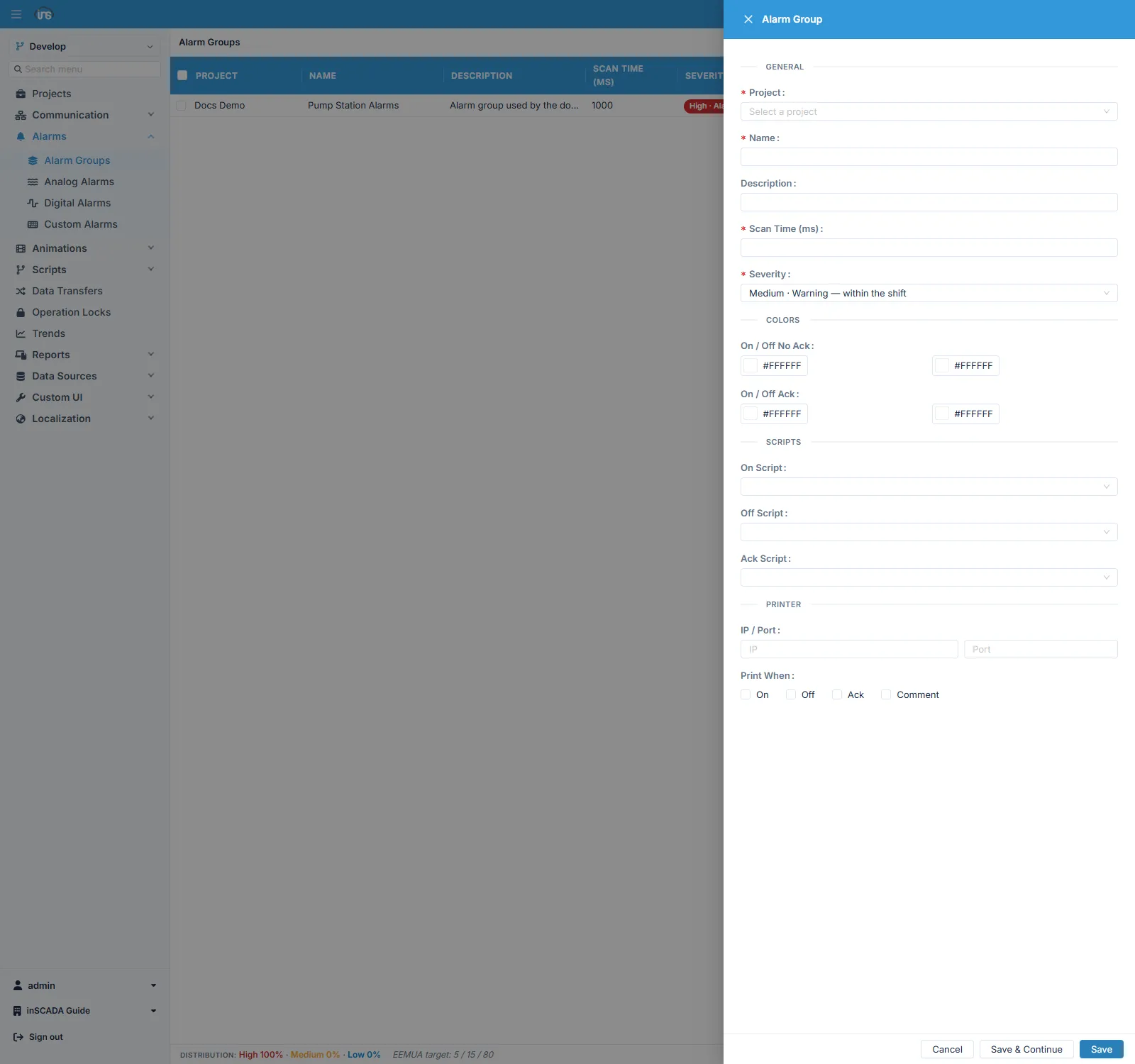
Section titled “Severity”Urgency is one of four named levels. The alarm list is ordered by severity by default, most urgent first.
| Level | Meaning | OPC UA equivalent |
|---|---|---|
| High | The highest — what an operator attends to first | 800 |
| Medium | Critical but secondary | 500 |
| Low | Informational / warning | 300 |
| Diagnostic | Not an operator alarm — a fault-diagnosis record | 100 |
Diagnostic is excluded from operator metrics. Use it for records that have to be kept but are not an operator’s concern; they then do not distort alarm-load measurements.
The level is also published to the OPC UA server as a severity value, so clients connecting from outside see the same prioritisation.
The strip along the bottom of the screen shows how the defined groups are distributed across the levels, as percentages, next to the recommended distribution (5 / 15 / 80): roughly 5% of alarms High, 15% Medium, 80% Low.
That ratio is not arbitrary — making every alarm “high” removes prioritisation altogether. If everything is urgent, nothing is. The distribution strip shows how far a growing set of definitions has drifted from that balance.
Script Integration
Section titled “Script Integration”References to scripts that run automatically on alarm events. All three are optional.
| Field | Runs when |
|---|---|
| onScriptId | The alarm fires |
| offScriptId | The alarm clears |
| ackScriptId | The alarm is acknowledged |
Each expects a script of type RepeatableScript. Typical uses: sending a notification, writing to another variable, informing an external system.
Colours
Section titled “Colours”These set the row background in the alarm monitor. Colours are stored as hex in #RRGGBB form.
| Field | Used when |
|---|---|
| onNoAckColor | Alarm is ON, not yet acknowledged |
| onAckColor | Alarm is ON, acknowledged |
| offNoAckColor | Alarm is OFF, not acknowledged |
| offAckColor | Alarm is OFF, acknowledged |
There are four colours because state and acknowledgement are independent of each other: an acknowledged alarm can still be ON, and a cleared alarm can still be unacknowledged. The colour is how an operator tells the two apart.
Printer Integration
Section titled “Printer Integration”Alarm events can be sent straight to a network printer. Which events get printed is chosen individually.
| Field | Description |
|---|---|
| printerIp | Printer IP address |
| printerPort | Printer port number (0-65535) |
| printWhenOn | Print when the alarm fires |
| printWhenOff | Print when it clears |
| printWhenAck | Print when it is acknowledged |
| printWhenComment | Print when a comment is added |
Disabling a group
Section titled “Disabling a group”An alarm group can be switched off temporarily — used during maintenance to avoid the flood of alarms the work itself produces. While a group is disabled, the definitions inside it are not evaluated.
This can also be done from a script; see Alarm API.
Related
Section titled “Related”- Alarm Management — how the system is structured
- Analog Alarms · Digital Alarms · Custom Alarms