
InfluxDB Datasource
An InfluxDB datasource is a connection definition for a time-series database outside the platform. Once defined, scripts, reports and saved queries reach it by name.
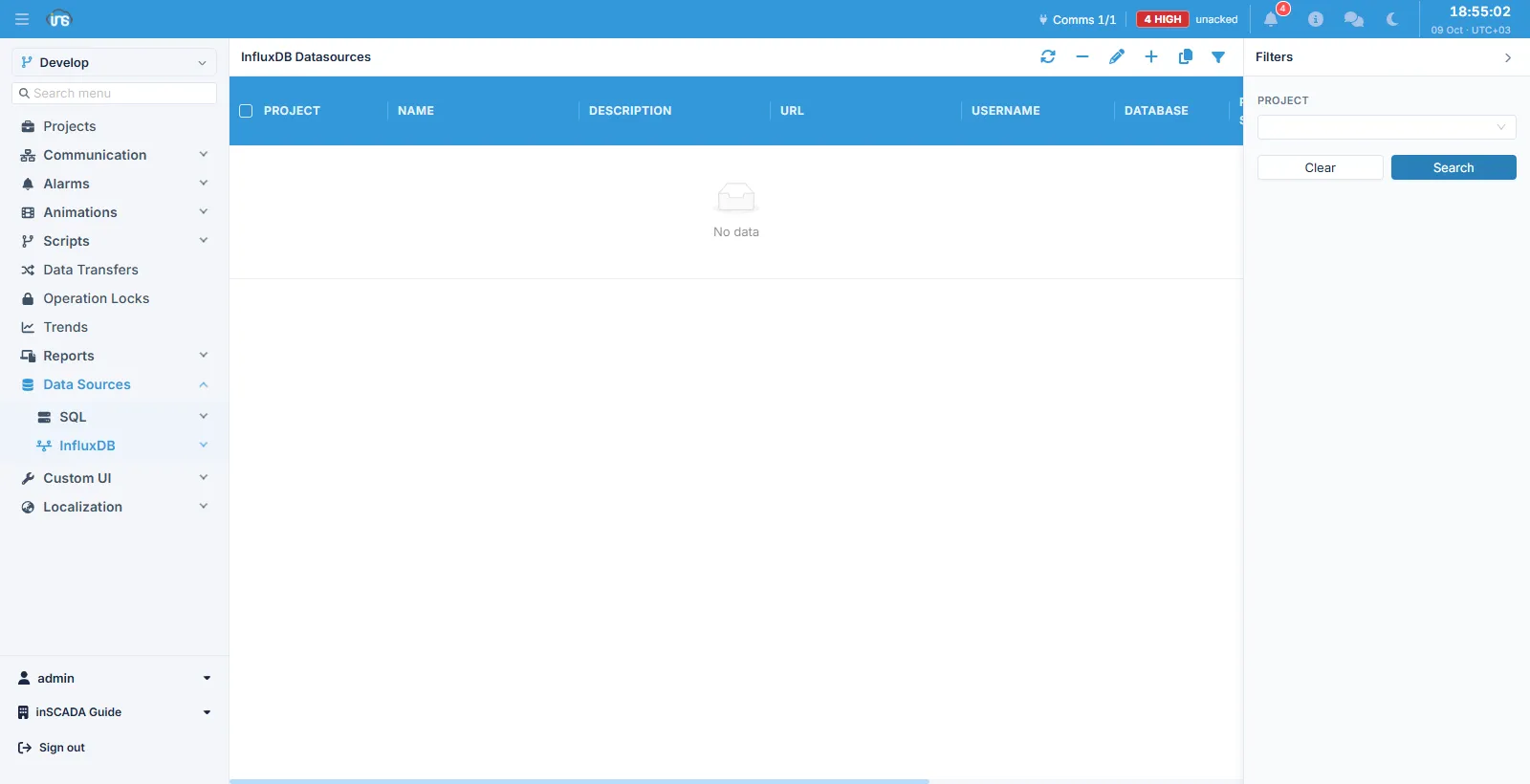
The list is filtered by project; the columns show name, description, URL, username and database. The toolbar above it holds refresh, delete, edit, add, clone and filter.
Fields
Section titled “Fields”| Field | Description |
|---|---|
| Name | The datasource’s name; scripts and queries call it by this (max 100 characters) |
| Description | Description (max 255 characters) |
| URL | The server’s HTTP address (max 2,048 characters) |
| Username | The user name (max 50 characters) |
| Password | The password (max 50 characters) |
| Database | The default database for queries run through this datasource (max 50 characters) |
| Is Default | Whether this is the project’s default datasource |
Database is handed to the client as the connection is made, so a query run through this datasource does not have to name one. A SQL datasource has no such field — there the database is part of the JDBC address.
Username and password are optional
Section titled “Username and password are optional”Credentials are sent only when both the user name and the password are filled in. If either is blank the connection is made anonymously. Against a server with authentication switched off, leave both empty.
The password is not shown back
Section titled “The password is not shown back”The list shows whether a password is set, not the password itself. It is stored encrypted and never handed back to be read. When you edit the record the password field comes up empty: leaving it empty keeps the existing password, and it changes only when you type a new one.
The default datasource
Section titled “The default datasource”The datasource marked Is Default is where a query that does not name one goes:
ins.runInfluxQL('SELECT ...'); // the default datasourceins.runInfluxQL('MeterDB', 'SELECT ...'); // by nameMark only one datasource in a project as the default. Marking a second does not unmark the first, and a call that names no datasource then cannot tell which one it means. The clone button is the easiest way into that state, because it copies every field including Is Default — after cloning, clear the flag on the copy.
Allowed hosts
Section titled “Allowed hosts”Datasource addresses are subject to an allow-list, given as ins.datasource.allowed-hosts. It takes comma-separated hostnames (db.example.com), wildcard subdomains (*.example.com) and CIDR blocks (10.0.0.0/8).
| Case | Result |
|---|---|
| List empty (the default) | No address is permitted |
| Address matches the list | Permitted |
| Address does not match | Rejected |
Loopback, 0.0.0.0 or a link-local address | Rejected whatever the list says |
This is deliberate: until the setting is made no datasource works at all, because the alternative would leave a script free to send queries to every address the server can reach. Link-local being closed under all circumstances puts cloud providers’ instance metadata services out of range.
The address is checked in two places: when you save (a rejected address comes back as a form error) and when a query runs.
Timeouts
Section titled “Timeouts”| Limit | Default | When it applies |
|---|---|---|
| Connect | 10 seconds | A datasource that is down fails fast |
| Query (read) | 60 seconds | The time one query may take |
| Write | 10 seconds | Sending the request body |
The write timeout applies to InfluxDB only; SQL has no equivalent.
The connection is reused
Section titled “The connection is reused”One client is opened per datasource and reused by later queries. Editing or deleting the record closes that client and drops it, so a new address or password takes effect on the next query by itself. No restart is needed.
Related
Section titled “Related”- InfluxDB Query — saved queries and the editor
- SQL Datasource — the relational equivalent
- Script Engine —
ins.runInfluxQLand the other datasource methods