
IP Filter
The IP filter restricts which addresses may sign in. It is the first check of a sign-in: even with the right password, a request from an address not on the list is refused.
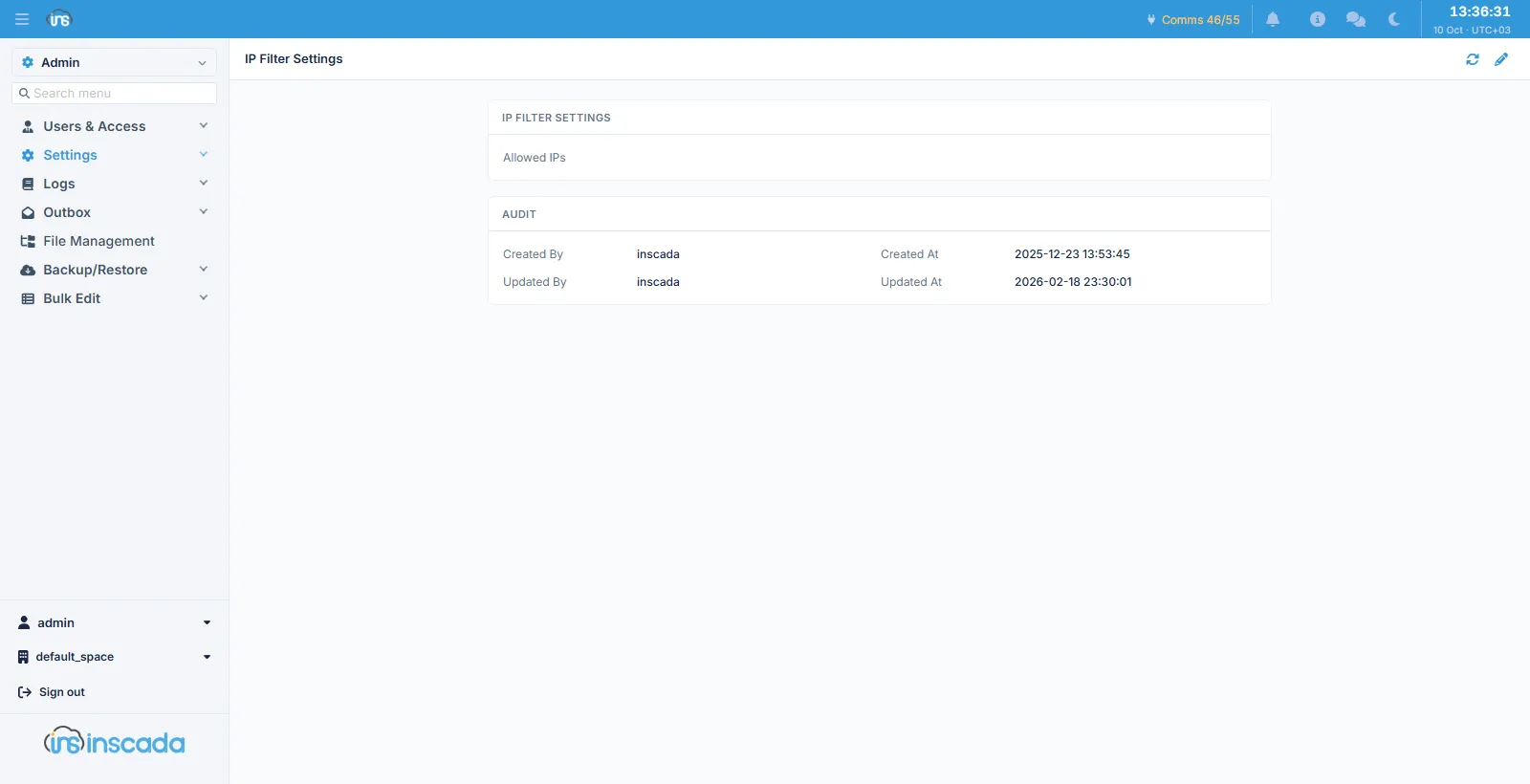
One field
Section titled “One field”| Field | Description |
|---|---|
| Allowed IPs | The permitted addresses, up to 1024 characters |
Addresses are separated by a comma, a semicolon or whitespace. Either a single address or a CIDR block may be given:
10.0.0.0/8, 192.168.1.50, 203.0.113.0/24When a change takes effect
Section titled “When a change takes effect”The setting is not read from the database on every request but served from a short-lived in-memory copy. A change takes effect within a second.
Related
Section titled “Related”- Login Page — the sign-in screen’s appearance
- Auth Log — sign-in attempts