
Languages
The Languages screen holds the interface’s own text. From here you can replace a string with your own wording and bring the plant’s vocabulary into the interface.
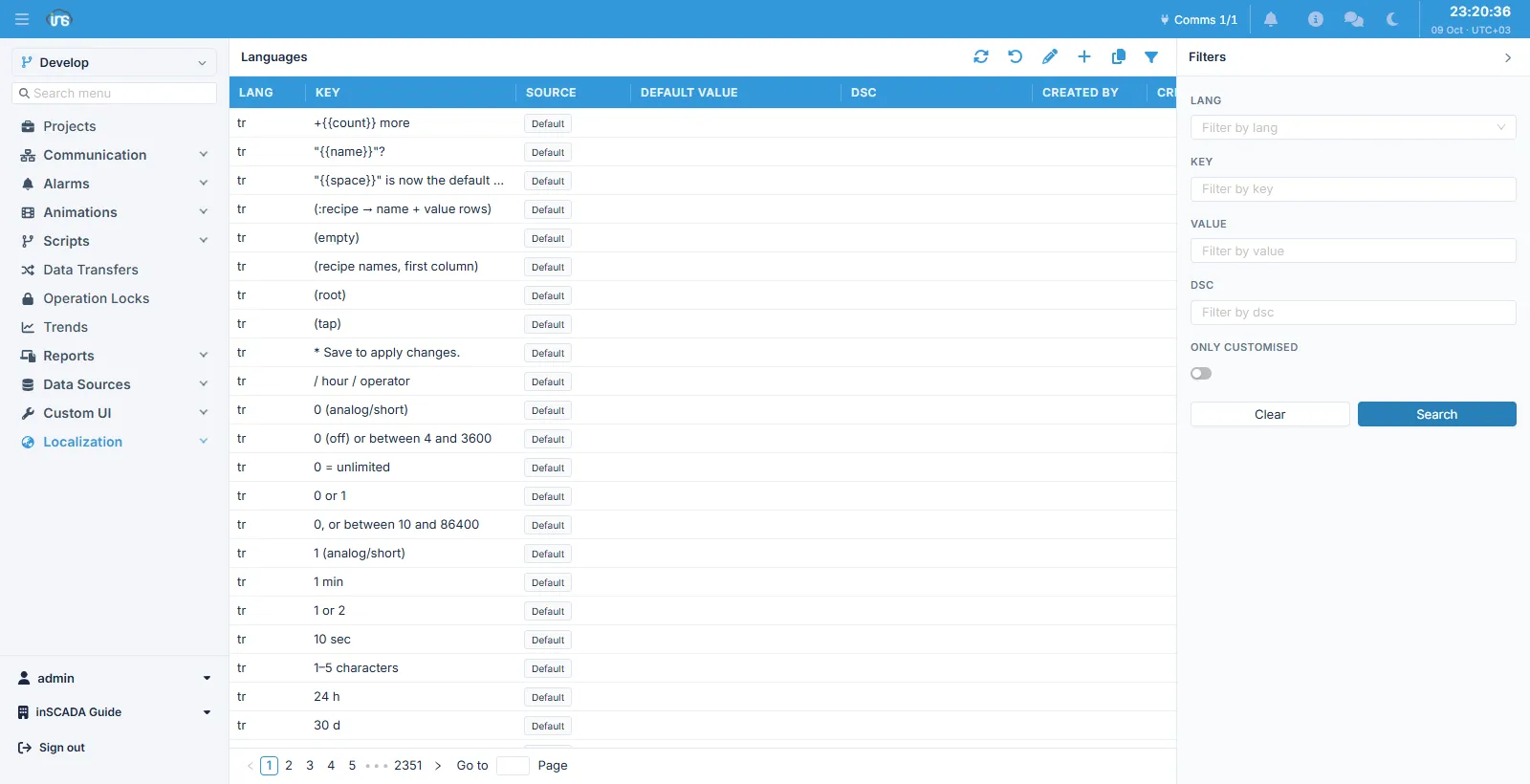
Columns
Section titled “Columns”| Column | Description |
|---|---|
| Lang | The language code (tr, for instance) |
| Key | The string itself — the record’s key |
| Source | Default (shipped with the product) or customised |
| Default Value | The wording the product ships |
| Dsc | Description |
The catalogue is large — thousands of rows — and is paged through. Filtering is the way in, not scrolling.
Filters
Section titled “Filters”Search by Lang, Key, Value and Dsc. There is also an Only Customised switch: turn it on and only the rows you have changed are listed.
Reverting
Section titled “Reverting”The undo button in the toolbar returns a customised string to the wording the product ships. The Default Value column already shows that wording, so you can see what you are reverting to before you do it.
Related
Section titled “Related”- Keywords — screen presets