
Integrity Report
The integrity report checks every field that carries an integrity stamp: script bodies, saved queries, custom HTML content. These take a stamp as they are stored, and the report confirms the stamp still matches the content.
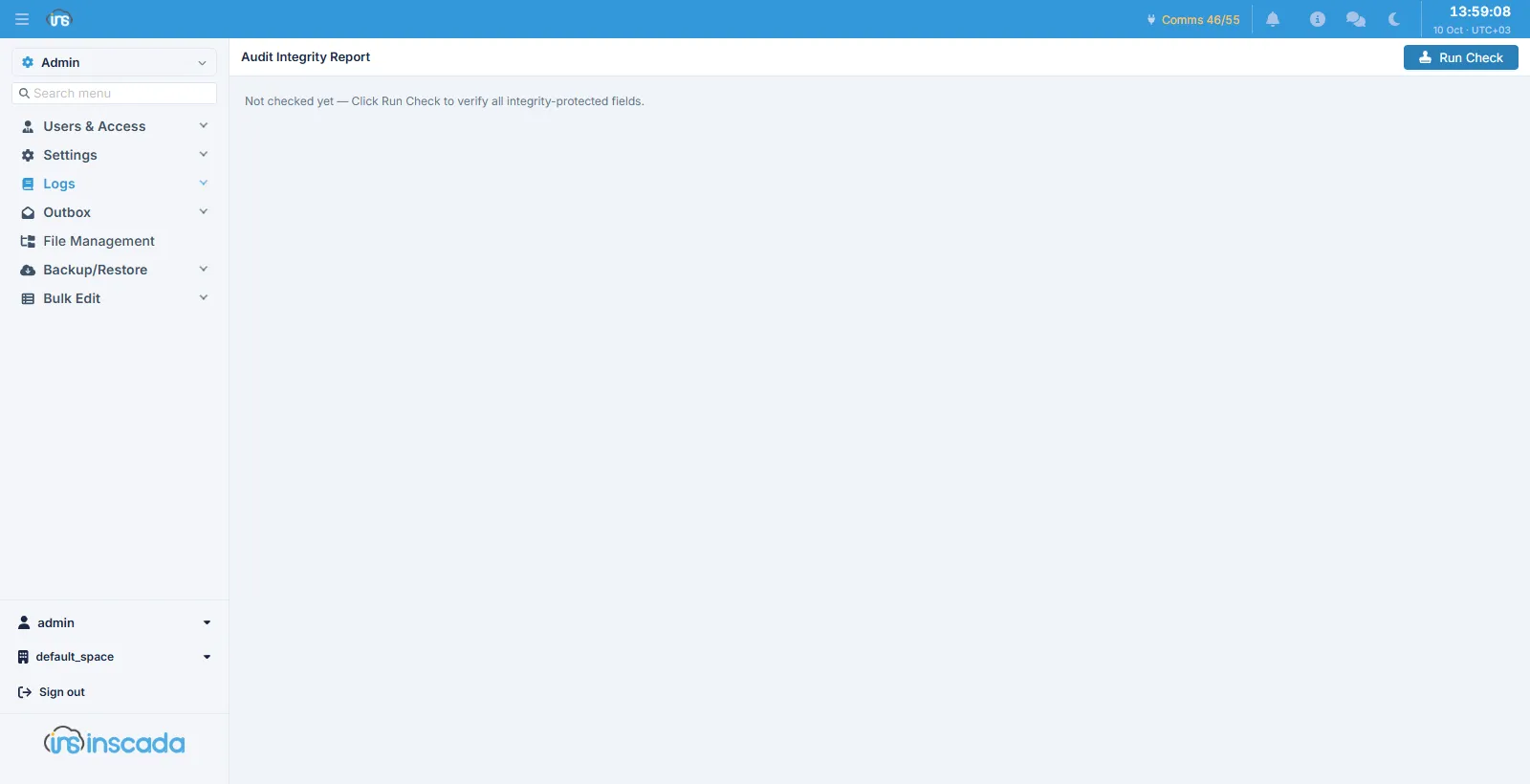
The screen opens empty and is run with Run Check. The check is a snapshot; it does not run continuously.
What it catches
Section titled “What it catches”The stamp is produced as the content is written to the database. If the content is changed from outside the product — by writing to the database directly, during a restore, or by any other route — the stamp no longer matches and the report says so.
When something is found
Section titled “When something is found”The installation’s integrity mode decides what a finding means:
| Mode | Behaviour |
|---|---|
OFF | No check |
WARN | The mismatch is written to the project log and the content runs anyway |
ENFORCE | The content does not run |
The check happens as the content is taken to be run, not as the record is read. That is deliberate: a script or query whose stamp does not match stays visible on its own screen, so you can see what it now says and put it back — even under ENFORCE, the screen that can repair the record is not taken away from you.
Related
Section titled “Related”- Audit Compliance — verifying the audit chains
- Script Engine — the content that carries a stamp