
Log
The log screen shows what the platform records while it runs: an error in a script, a connection dropping, a datasource that stopped answering.
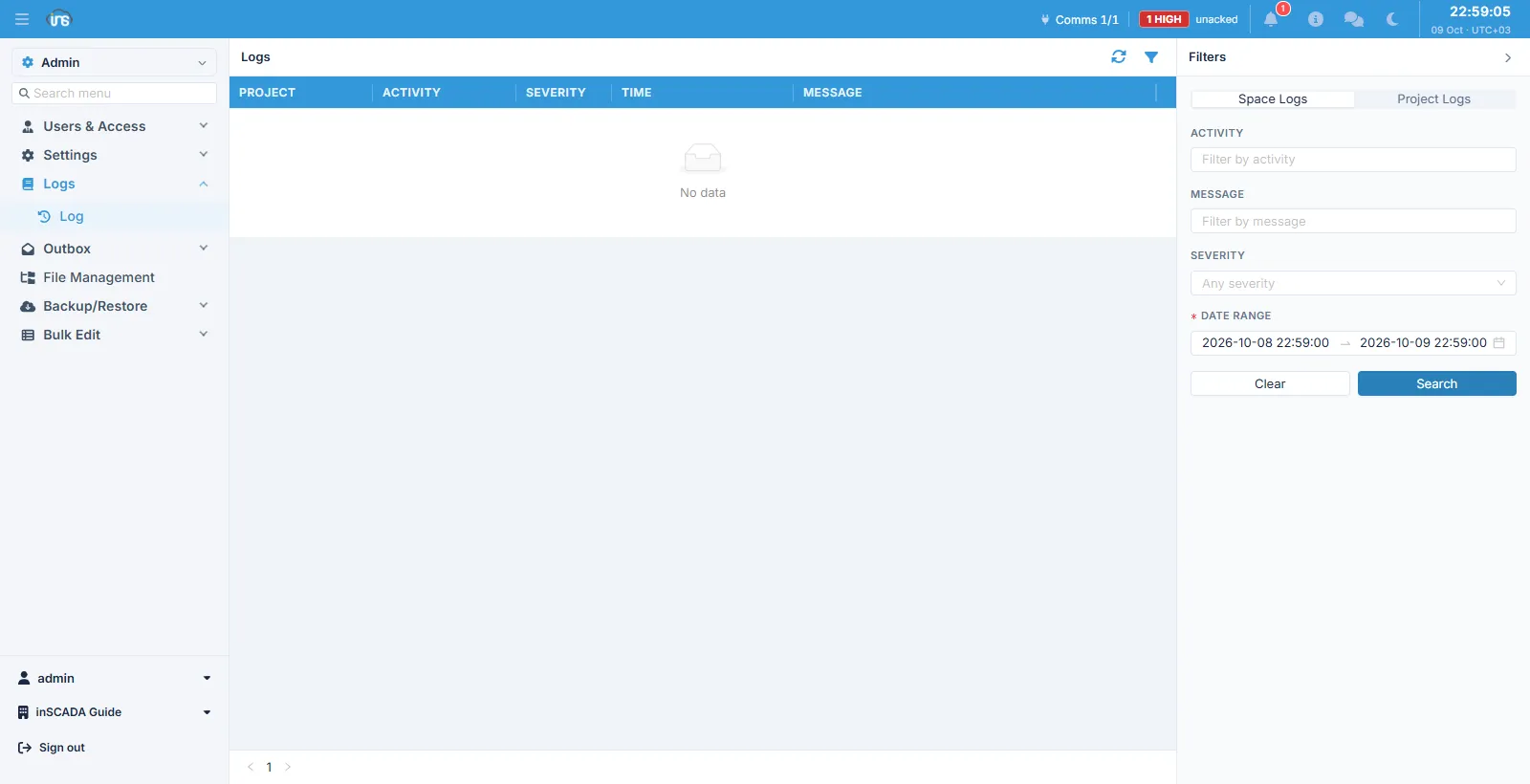
Columns
Section titled “Columns”| Column | Description |
|---|---|
| Project | The project the record belongs to |
| Activity | What produced the record |
| Severity | The severity |
| Time | When |
| Message | The message |
Two logs
Section titled “Two logs”The two tabs at the top of the filter panel decide which log you are looking at:
| Tab | What it holds |
|---|---|
| Space Logs | Space-level records — events not tied to a project |
| Project Logs | The projects’ own records |
A script’s error goes to the project log; a space-wide event goes to the space log. If you cannot find what you are looking for, check you are on the right tab first.
Filters
Section titled “Filters”Search by Activity, Message, Severity and a date range. The date range is required and defaults to the last 24 hours — widen it to go further back.
Related
Section titled “Related”- Script Engine — scripts writing to the project log