
Symbols
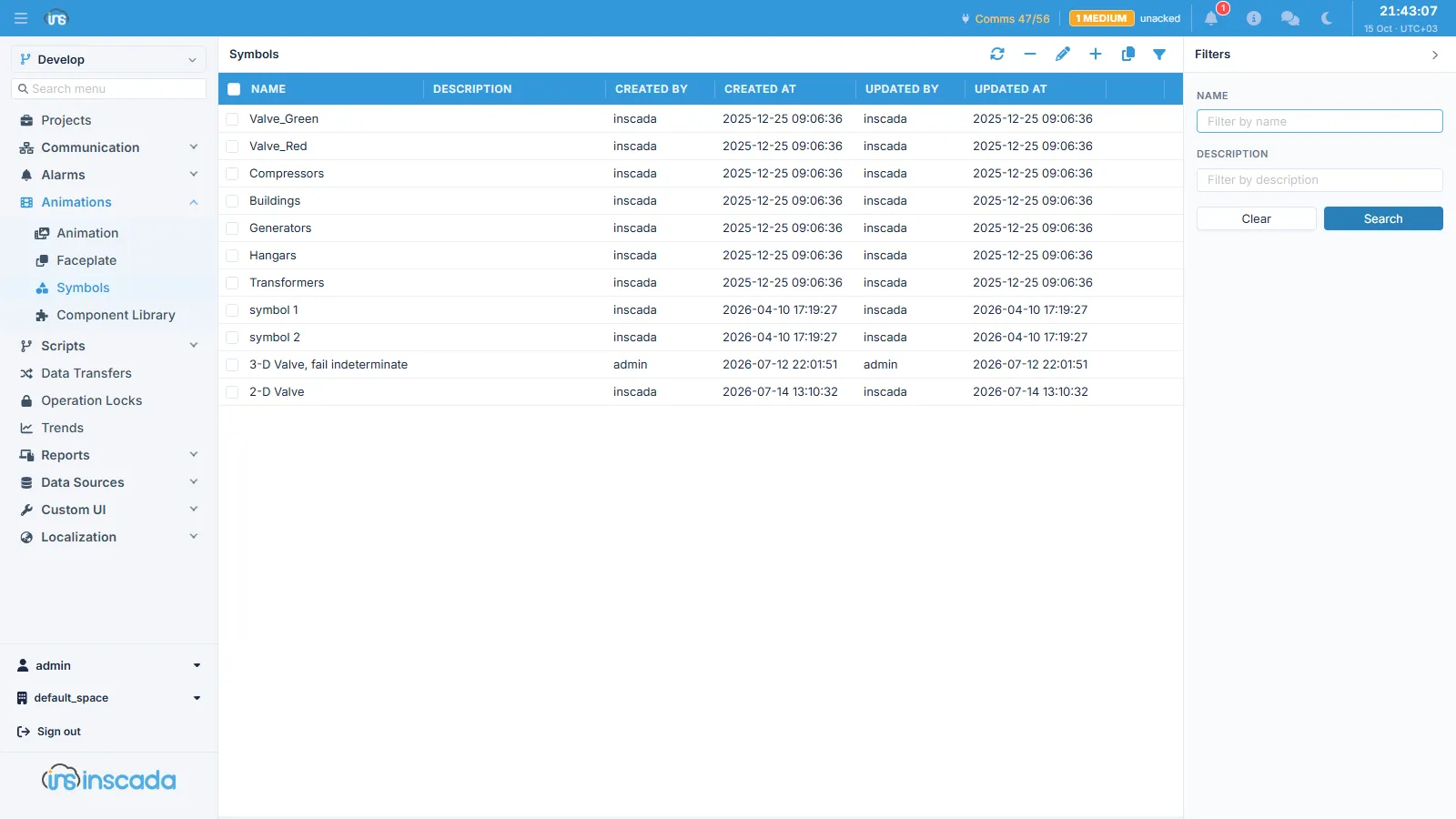
A symbol is a named piece of SVG stored in the space. Drawing elements that recur — a valve, a breaker, a motor, a pump — are defined once and used from every screen.
Fields
Section titled “Fields”| Field | Description |
|---|---|
| Name | Symbol name |
| Description | Description |
| Content | The SVG file, uploaded and stored |
Symbols are space-scoped rather than tied to a project: every project in the same space draws on the same library. To produce a variant of an existing symbol, clone it.
Switching symbol by value
Section titled “Switching symbol by value”What symbols are really for is letting an object on a screen draw something different depending on state. With the animation element type set to GetSymbol, the value the expression produces resolves to a symbol, and the object renders that symbol.
A valve is the usual example: three symbols for open, closed and fault, with the expression deciding which is shown from what the field reports. The same approach covers breaker position, pump running state, and hand/auto selection.
This is not the same as doing it with colour: colour repaints the existing drawing, while a symbol replaces the drawing itself. When the open and closed states of a valve are different geometry, colour cannot express it.
Symbol, faceplate or component
Section titled “Symbol, faceplate or component”All three give you reuse, but of different things:
| What it gives | When | |
|---|---|---|
| Symbol | A single drawing element | The same shape recurs in many places |
| Faceplate | A parameterised fragment of a screen | The same layout recurs for different equipment |
| Component | A ready-made widget with behaviour of its own | You need a gauge, tank, LED or similar |
Related
Section titled “Related”- Animation — element types and GetSymbol
- Element Editor