
Backup
Backup writes the whole of the space you are in into a single .zip file.
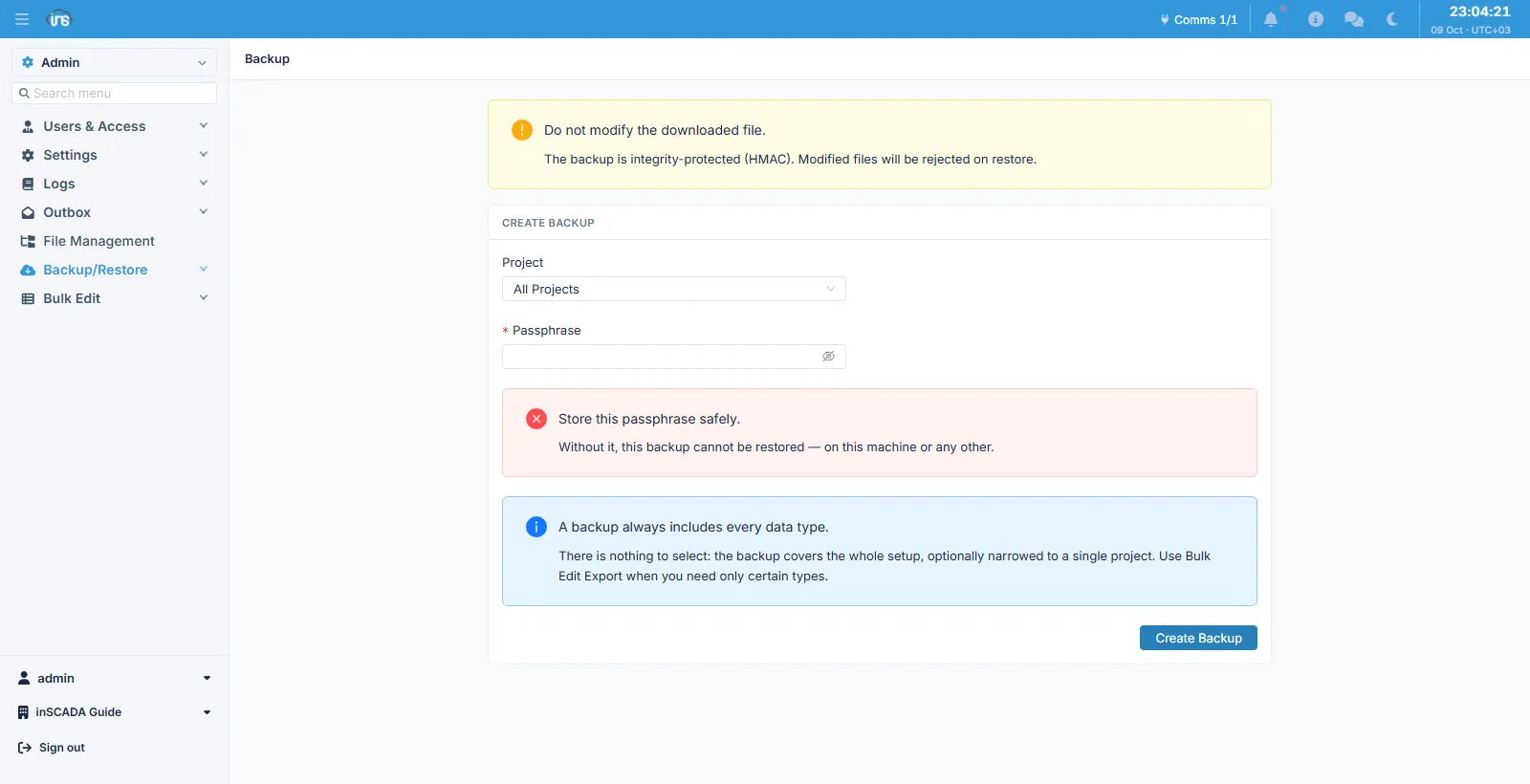
Fields
Section titled “Fields”| Field | Description |
|---|---|
| Project | All Projects, or one project |
| Passphrase | The passphrase the file’s integrity stamp is derived from — required |
There is nothing to select, by design
Section titled “There is nothing to select, by design”A backup includes every data type. No type selection is offered: a backup is a picture of a whole installation, optionally narrowed to one project. When you need only certain types, use Bulk Edit → Export.
The reason is what the signature means. With a type selection, the signature would say “whatever was asked for” rather than “this installation”.
The one thing a backup does not carry is deleted records: a deleted row is not part of the installation.
The passphrase
Section titled “The passphrase”The passphrase derives the file’s integrity stamp (HMAC). The same passphrase is asked for on restore, and a wrong passphrase fails exactly as a modified file does — because neither can answer the same question: was this file produced from that passphrase, and has it been untouched since?
On an installation that requires electronic signatures, a signature password is asked for as well. That is a different secret from the archive’s: one opens the file, the other names the person who performed the act.
Do not touch the file
Section titled “Do not touch the file”The downloaded .zip is integrity-protected. Taking something out of it, adding something, or recompressing it makes it unrestorable — the restore notices and refuses it.
Related
Section titled “Related”- Restore — writing the file back
- Bulk Edit → Export — exporting selected types
- Backup (operations) — the secret bundle and the master key