
Broadcast Settings
Broadcast settings name the media server inSCADA uses for live video. Showing camera feeds on a screen goes through this connection.
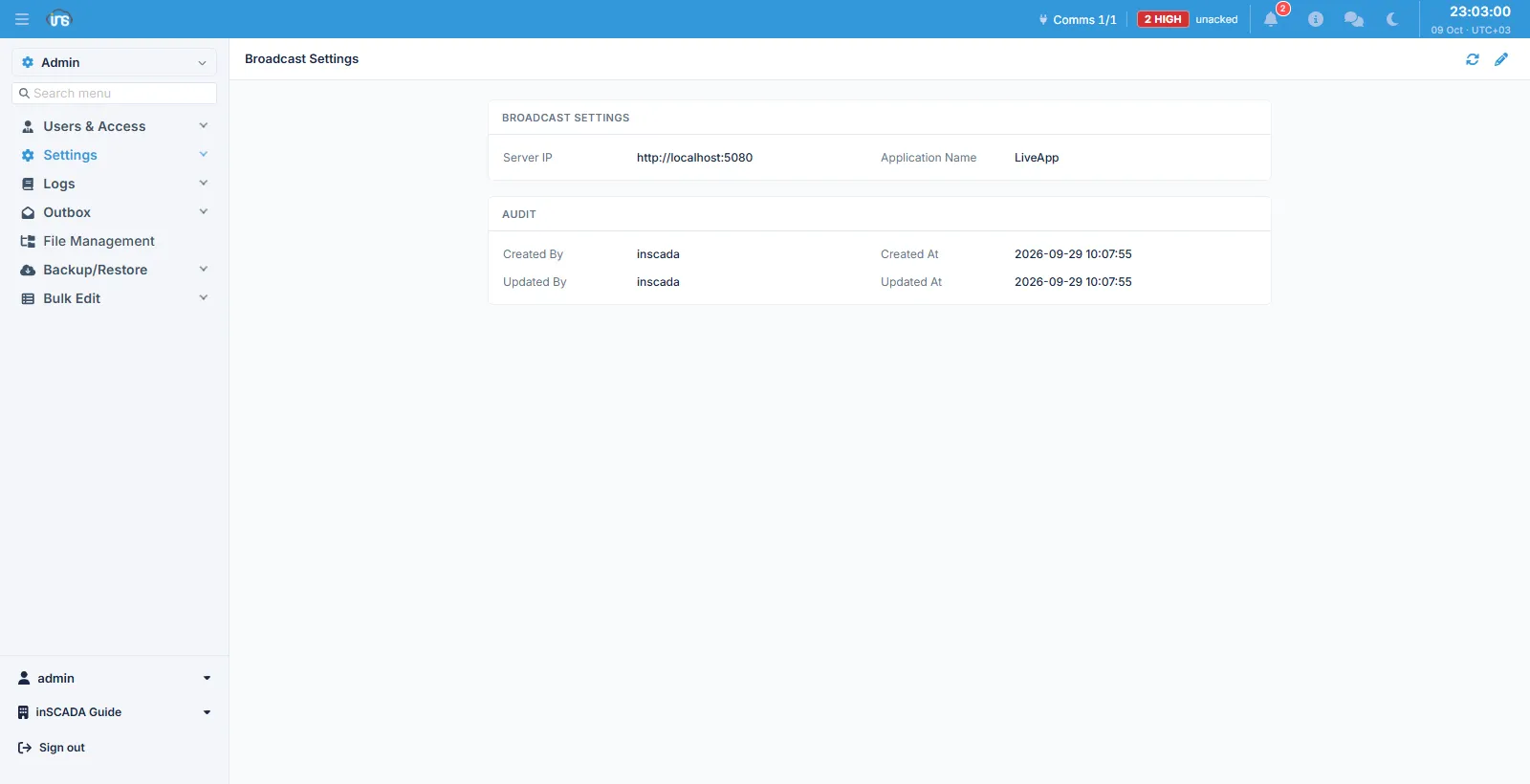
Fields
Section titled “Fields”| Field | Description |
|---|---|
| Server IP | The media server’s address, max 253 characters |
| Application Name | The application’s name on that server, max 255 characters |
An Audit block below shows who changed the record and when.
Media servers group their streams under a named application; Application Name points at that application. Together the two decide the address a stream is pulled from.
The broadcasts themselves
Section titled “The broadcasts themselves”Once this is configured, the individual broadcasts (cameras) are managed from the Broadcast screen on the runtime side. Each one carries its own stream id, name, type, status and address, and may be protected by its own user name and password.
Related
Section titled “Related”- Broadcast (runtime) — watching the streams