
Expressions
An Expression is a space-level shared JavaScript formula. Many variables or alarms can reference the same Expression — repeated formulas can be managed centrally.
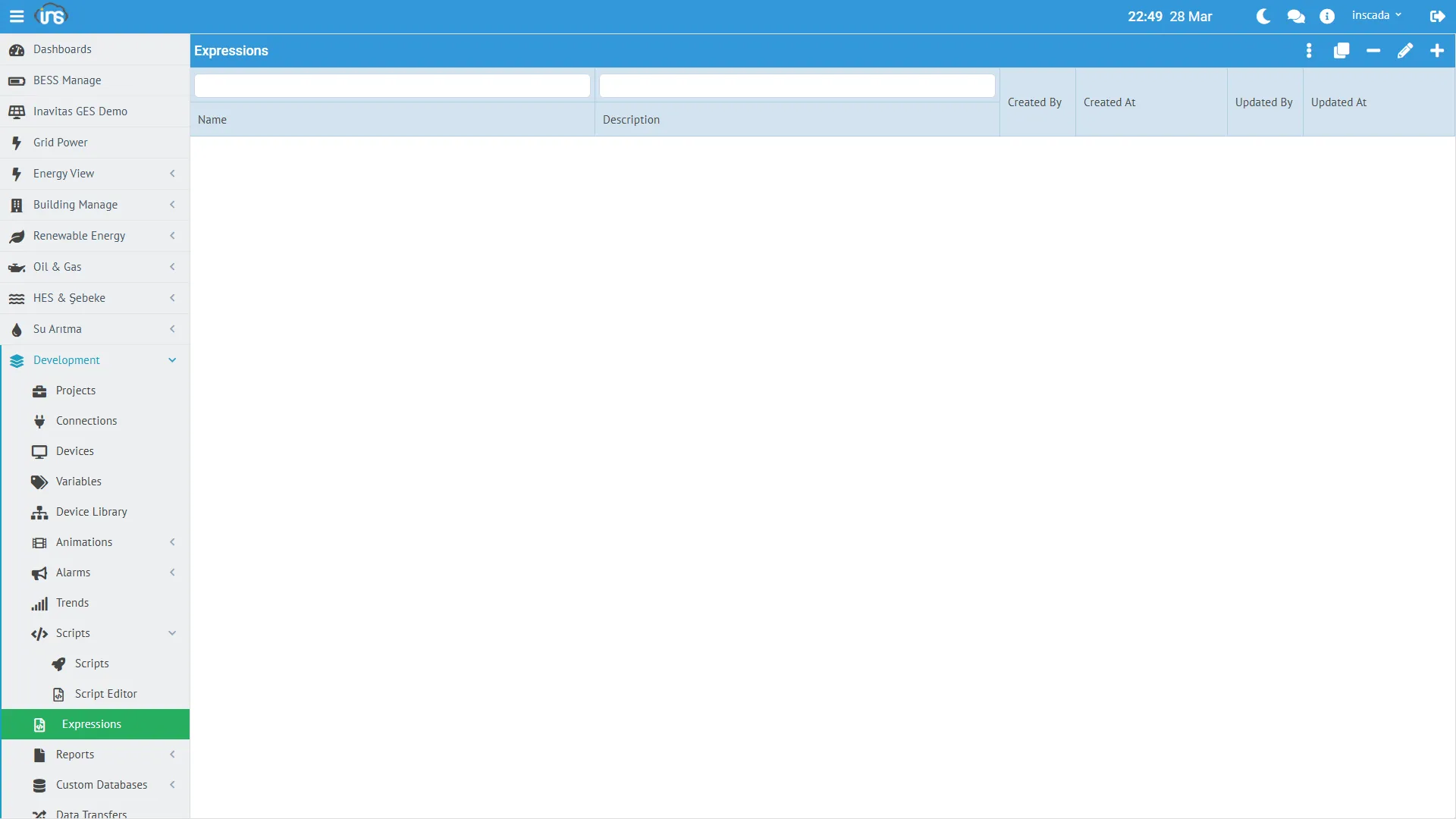
Expression Fields
Section titled “Expression Fields”| Field | Type | Required | Description |
|---|---|---|---|
| name | String (≤100) | Yes | Formula name — unique within the space |
| dsc | String (≤255) | No | Description |
| code | String (≤32 767) | Yes | JavaScript code (ES5 — GraalJS Nashorn-compat mode) |
Expressions are not scoped to a project — every project in the same space can reference them.
Where They Are Used
Section titled “Where They Are Used”A variable definition can reference an Expression in two ways:
1. Value Expression (compute the value)
Section titled “1. Value Expression (compute the value)”Runs on every read cycle to produce the variable value. The variable’s valueExpressionType (the ExpressionType enum) has three values:
| Type | Meaning |
|---|---|
| NONE | No expression — the raw (scaled) value is used |
| CUSTOM | Variable-specific inline JavaScript (valueExpressionCode) |
| EXPRESSION | Reference to a shared Expression (valueExpressionId) |
With EXPRESSION, the variable stores the Expression id. The same formula is then reused across many variables — changing the Expression updates every referencing variable at once.
2. Log Expression (logging decision)
Section titled “2. Log Expression (logging decision)”Decides whether a sample is logged — used when the variable’s logType = Expression or logType = Custom. Truthy → log, falsy → skip.
// Only log when value is in rangeif (value > 100 && value < 900) { return true;}return false;Example Expressions
Section titled “Example Expressions”Unit Conversion
Section titled “Unit Conversion”// Fahrenheit → Celsius (reused across many sensors)return ((value - 32) * 5 / 9).toFixed(1) * 1;Scale Normalization
Section titled “Scale Normalization”// 0-65535 raw → 0-100 percentreturn (value / 65535 * 100).toFixed(1) * 1;Status Text
Section titled “Status Text”// Numeric status → textvar states = { 0: "Stopped", 1: "Running", 2: "Fault", 3: "Maintenance" };return states[value] || "Unknown";Multi-Variable Calculation
Section titled “Multi-Variable Calculation”// Live efficiency percentagevar input = ins.getVariableValue("Input_kW").value;var output = ins.getVariableValue("Output_kW").value;if (input > 0) { return ((output / input) * 100).toFixed(1) * 1;}return 0;Expression Runtime
Section titled “Expression Runtime”Expressions execute on GraalJS inside the variable / alarm engine:
value— the raw (pre-scaling) value of the variable (for value expressions, the previously computed value)ins.*— full access to the server-side API (e.g.ins.getVariableValue()to read other variables)- ES5 syntax is recommended (Nashorn compatibility) —
var,function,for,if/else,try/catch.let,const, arrow=>, template strings andclassalso work, but keep ES5 if you need JDK11 portability.
The Space-Level Advantage
Section titled “The Space-Level Advantage”- Updating an Expression updates every variable that references it as
EXPRESSION - Variables in different projects (same space) can share the same formula
- Common conversions (unit, scale, status code) can be kept as a central formula library