
Data Transfers
A Data Transfer periodically pushes variable values from one project to another, optionally running a statistical calculation first — counter diffs, hourly averages, multi-site aggregation, etc.
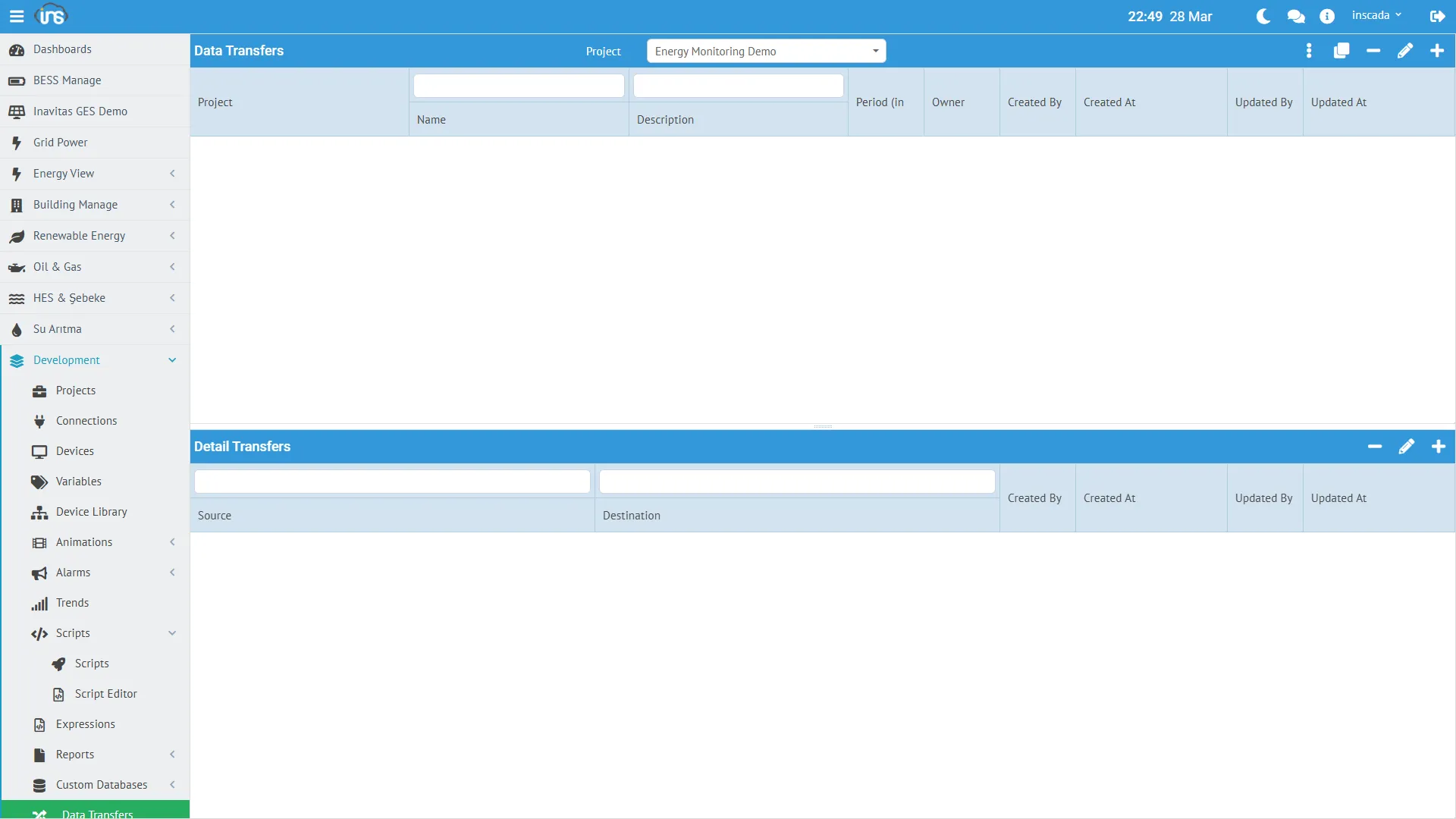
Data Transfer Fields
Section titled “Data Transfer Fields”| Field | Type | Required | Description |
|---|---|---|---|
| name | String (≤100) | Yes | Transfer name |
| dsc | String (≤255) | No | Description |
| period | Integer (ms, ≥100) | Yes | Scheduler period |
| projectId | String | Yes | Owning project |
period is how often the transfer fires — e.g. 3 600 000 ms for an hourly transfer.
Transfer Details (DataTransferDetail)
Section titled “Transfer Details (DataTransferDetail)”Each Data Transfer owns one or more detail rows. Each row is a source-to-target mapping:
| Field | Description |
|---|---|
| sourceVariableId | Source variable |
| targetVariableId | Target variable |
| calcType | Statistical calculation (VariableStatCalculationType) |
| rangeType | Time range (VariableStatRangeType) |
| threshold | Optional statistical filter |
Source and target can live in different projects — this is how cross-project data sync is built.
Calculation Types
Section titled “Calculation Types”VariableStatCalculationType enum — 11 values:
| Type | Meaning |
|---|---|
| Min | Minimum over the range |
| Max | Maximum over the range |
| Avg | Arithmetic mean |
| Sum | Sum |
| Count | Sample count |
| First Value | First recorded value in the range |
| Last Value | Last recorded value in the range |
| Max Difference | Largest sample-to-sample delta |
| Last First Difference | last − first (ideal for cumulative counter deltas) |
| Middle Value | Value at the temporal midpoint of the range |
| Median Value | Sorted median |
Range Types
Section titled “Range Types”VariableStatRangeType enum — 10 values (Current / Previous × 5 time scales):
| Type | Range |
|---|---|
| Current Hour | From the top of the hour to now |
| Previous Hour | The full previous hour |
| Current Day | From midnight to now |
| Previous Day | The full previous day |
| Current Week | From week start to now |
| Previous Week | The full previous week |
| Current Month | From month start to now |
| Previous Month | The full previous month |
| Current Year | From year start to now |
| Previous Year | The full previous year |
The Previous * types are ideal for one-shot computations when the range closes — e.g. emitting “yesterday’s average” every morning.
Use Cases
Section titled “Use Cases”Hourly Energy Consumption
Section titled “Hourly Energy Consumption”From a cumulative meter:
- Source:
Energy_kWh(cumulative) - Target:
Hourly_Consumption - calcType: Last First Difference (
last − first= hourly consumption) - rangeType: Previous Hour
- period: 3 600 000 ms (fires on the hour)
Daily Average Temperature
Section titled “Daily Average Temperature”- Source:
Temperature_C - Target:
DailyAvg_Temperature - calcType: Avg
- rangeType: Previous Day
- period: 86 400 000 ms
Cross-Project Live Mirror
Section titled “Cross-Project Live Mirror”Mirror site values into a central project:
- Source (site project):
Site1_Power_kW - Target (central project):
Site1_Power_kW_Mirror - calcType: Last Value
- rangeType: Current Hour (short range for live value)
- period: 10 000 ms
Scripting Data Transfers
Section titled “Scripting Data Transfers”// Attach the transfer to the schedulerins.scheduleDataTransfer("hourly_energy_calc");
// Attach every transfer in the projectins.scheduleDataTransfers();
// Cancelins.cancelDataTransfer("hourly_energy_calc");ins.cancelDataTransfers();
// Check status — "Scheduled" or "Not Scheduled"var status = ins.getDataTransferStatus("hourly_energy_calc");Scheduled means attached to the scheduler, not currently running.
Details: Data Transfer API → | REST API Reference → (Data Transfer Controller group)