
Connection Management
A connection is the communication channel to a field device or system. Each connection uses one protocol and is bound to a project.
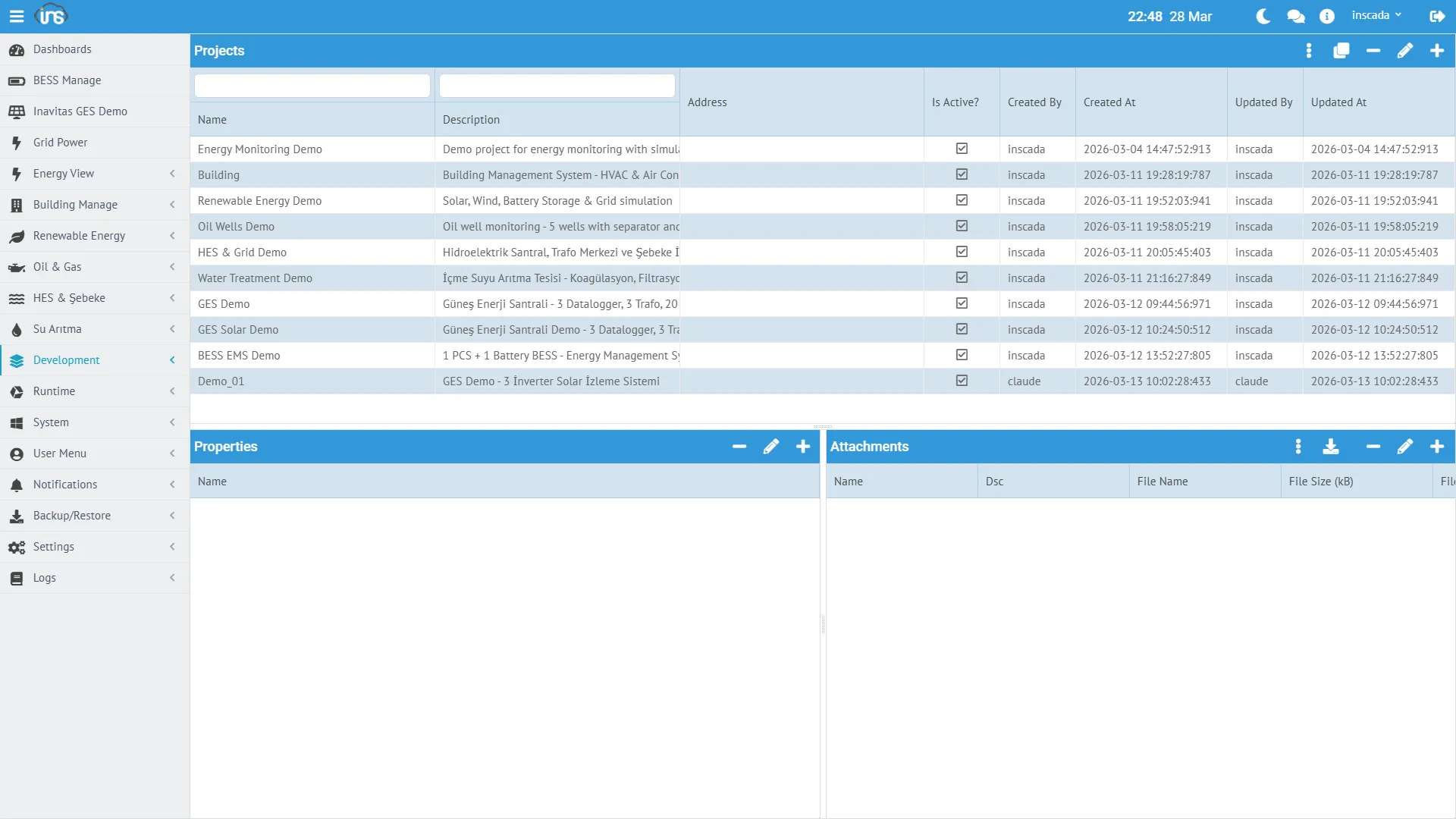
Connection Fields
Section titled “Connection Fields”| Field | Type | Required | Description |
|---|---|---|---|
| name | String | Yes | Connection name (unique within the project) |
| protocol | Protocol enum | Yes | Communication protocol |
| ip | String | Protocol-dependent | Target IP address |
| port | Integer | Protocol-dependent | Target port number |
| dsc | String (≤255) | No | Description |
| projectId | String | Yes | Owning project ID |
Protocol-specific fields (unit id, timeout, polling period, …) are covered in each protocol’s configuration page.
Supported Protocols
Section titled “Supported Protocols”| Protocol value | Use Case | Typical Device |
|---|---|---|
Modbus TCP / Modbus TCP Slave | Industrial automation | PLC, energy analyzer, drive |
Modbus UDP / Modbus UDP Slave | Low-latency polling | Energy meter |
Modbus RTU Over TCP / Modbus RTU Over TCP Slave | Serial ↔ TCP gateway | RTU, serial device |
DNP3 / DNP3 Slave | Power distribution | RTU, protection relay |
IEC 60870-5-104 / IEC 60870-5-104 Server | Transmission / distribution | RTU, SCADA gateway |
IEC 61850 / IEC 61850 Server | Substation automation | IED, protection relay |
OPC UA / OPC UA Server | Open standard | PLC, DCS, SCADA |
OPC DA | Windows COM/DCOM | Legacy OPC servers |
OPC XML | HTTP / SOAP | OPC over web services |
S7 | Siemens PLC | S7-300, S7-400, S7-1200, S7-1500 |
MQTT | IoT / message broker | Gateway, sensor, broker |
EthernetIp | Rockwell / Allen-Bradley | Logix 5000+ family |
Fatek TCP / Fatek UDP | Fatek PLC | FBs, FBe series |
LOCAL | Simulation / internal compute | Internal variable |
The Slave / Server variants let inSCADA expose itself as a listening endpoint on the given protocol (serving data to remote masters/clients).
Per-protocol details: Protocols →
Connection Status
Section titled “Connection Status”ConnectionStatus enum:
| Status | Meaning |
|---|---|
| Connected | Connection is up, data is being read |
| Disconnected | Connection is down — either stopped, or the peer is unreachable |
Connection Shape (example)
Section titled “Connection Shape (example)”{ "id": "abc123", "name": "LOCAL-Energy", "protocol": "LOCAL", "ip": "127.0.0.1", "port": 0, "projectId": "proj-153", "dsc": "Local protocol connection for energy simulation"}Starting / Stopping Connections
Section titled “Starting / Stopping Connections”Connections can be managed from the UI or from scripts. The server-side ins.* API:
// Query statusvar status = ins.getConnectionStatus("LOCAL-Energy");// → "Connected" or "Disconnected"
// Cycle the connection in the next tickins.stopConnection("MODBUS-PLC");ins.startConnection("MODBUS-PLC");
// Target a connection in another projectins.stopConnection("GES-02", "MODBUS-PLC");ins.startConnection("GES-02", "MODBUS-PLC");Updating Connection Parameters
Section titled “Updating Connection Parameters”ins.updateConnection takes a full ConnectionResponseDto. The typical pattern is read-modify-write:
var conn = ins.getConnection("MODBUS-PLC");conn.setIp("192.168.1.100");conn.setPort(502);
ins.updateConnection("MODBUS-PLC", conn);
The same applies to updateDevice and updateFrame:
var device = ins.getDevice("MODBUS-PLC", "slave-1");device.setUnitId(3);ins.updateDevice("MODBUS-PLC", "slave-1", device);
var frame = ins.getFrame("MODBUS-PLC", "slave-1", "main-block");frame.setPeriod(2000);ins.updateFrame("MODBUS-PLC", "slave-1", "main-block", frame);Details: Connection API → | REST API Reference → (see Connection Management, Protocol Connection, Protocol Variable, Protocol Template controller groups)