
Expressions
An Expression is a shared JavaScript formula defined at the space level. It can be referenced by multiple variables or alarms. This enables centralized management of recurring formulas.
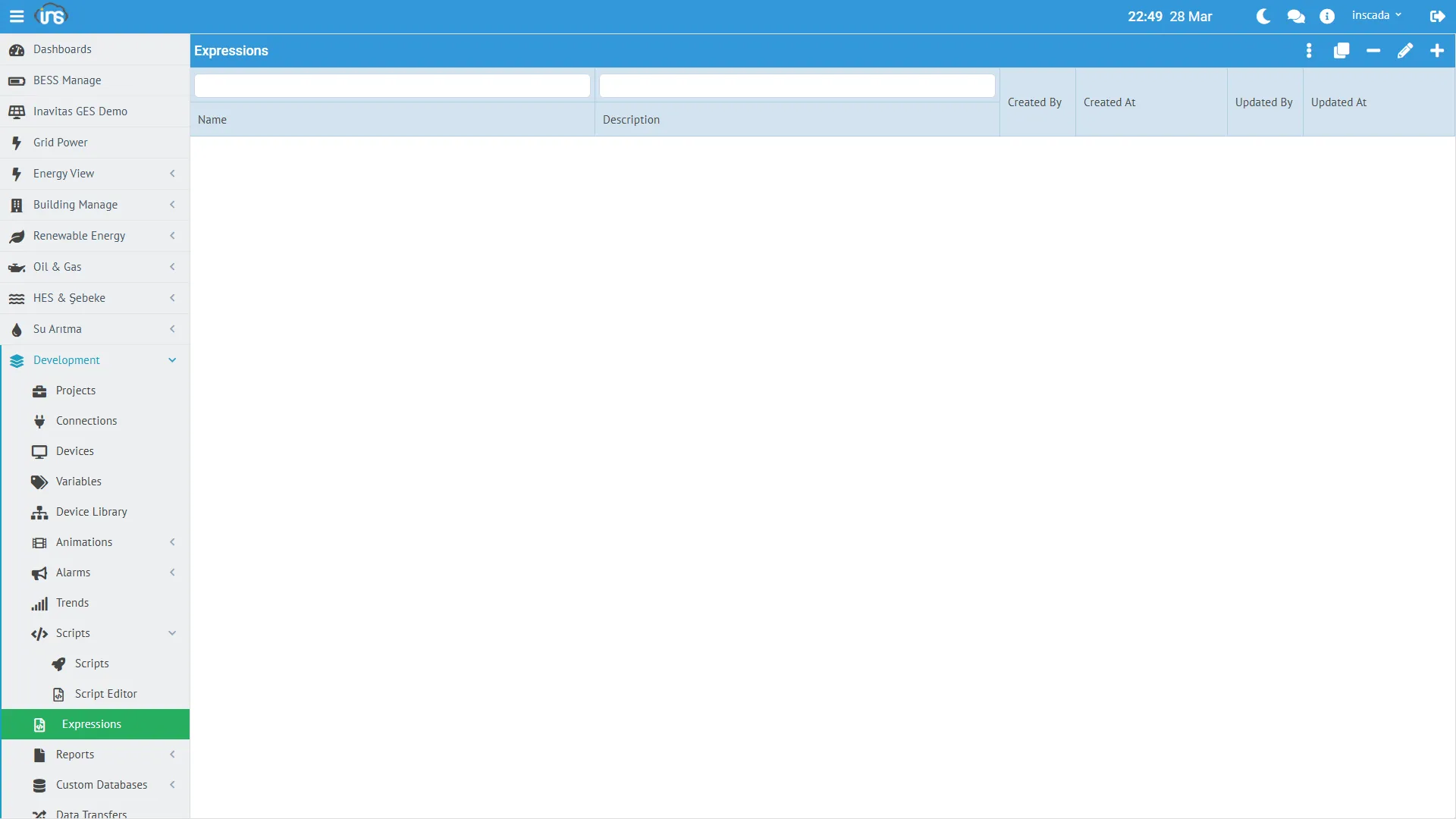
Creating an Expression
Section titled “Creating an Expression”Menu: Development → Expressions → New Expression
| Field | Required | Description |
|---|---|---|
| Name | Yes | Formula name (unique within the space) |
| Code | Yes | JavaScript code |
| Description | No | Description |
Use Cases
Section titled “Use Cases”Expressions are used for two different purposes:
Value Expression
Section titled “Value Expression”Used to calculate a variable’s value. Runs on every read cycle.
| Type | Description |
|---|---|
| NONE | No expression, raw value is used |
| CUSTOM | Inline JavaScript specific to the variable |
| REFERENCE | Reference to a shared Expression |
When REFERENCE is selected, the Expression name is specified in the variable definition. This allows the same formula to be used across dozens of variables.
Log Expression
Section titled “Log Expression”A custom condition that determines when a variable is logged. If it returns true, the value is logged; if false, it is skipped.
// Only log if value is within a specific rangeif (value > 100 && value < 900) { return true;}return false;Example Expressions
Section titled “Example Expressions”Unit Conversion
Section titled “Unit Conversion”// Fahrenheit → Celsius (used across multiple temperature sensors)return ((value - 32) * 5 / 9).toFixed(1) * 1;Scale Normalization
Section titled “Scale Normalization”// Convert 0-65535 raw value to 0-100 percentagereturn (value / 65535 * 100).toFixed(1) * 1;Status Text
Section titled “Status Text”// Convert numeric status code to textvar states = {0: "Stopped", 1: "Running", 2: "Fault", 3: "Maintenance"};return states[value] || "Unknown";Space-Level Advantage
Section titled “Space-Level Advantage”Since Expressions are defined at the space level:
- When you modify a formula, all variables using it are automatically updated
- Variables in different projects can share the same formula
- You can create a formula library to define standard conversions